Best Secure Invoicing Software for UK Freelancers and Small Firms
Best Secure Invoicing Software for UK Freelancers and Small Firms
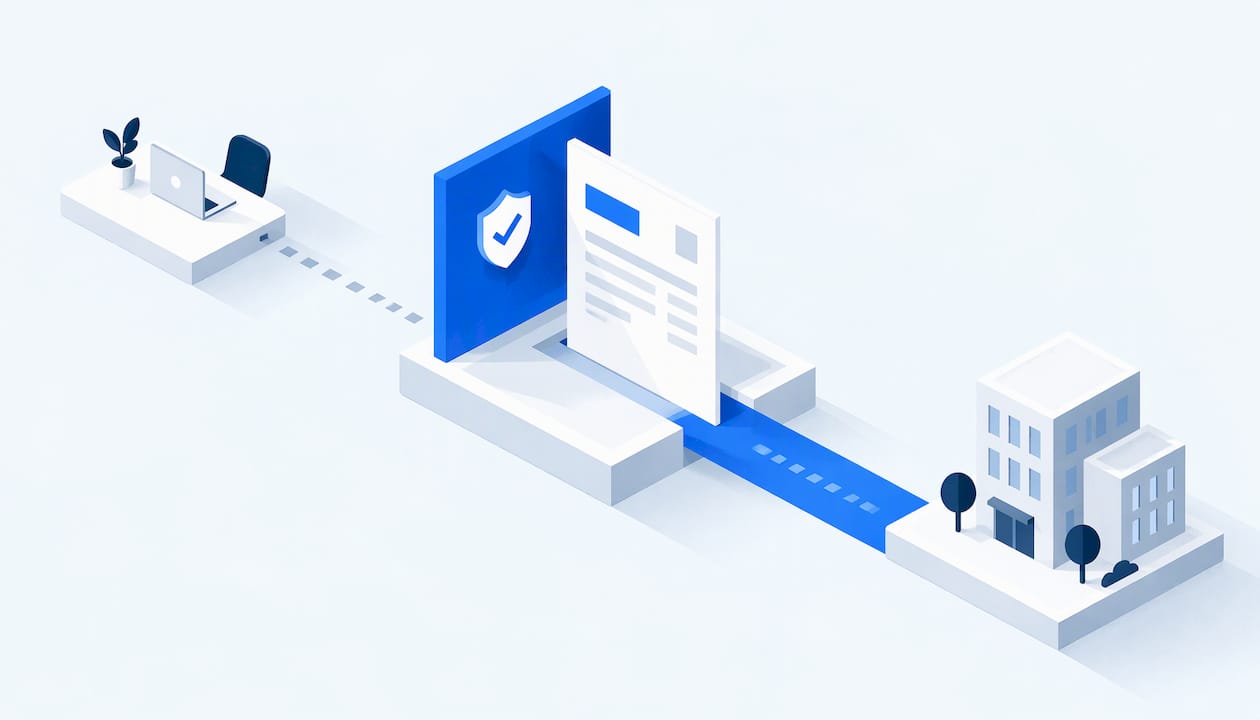
The best secure invoicing tool for a UK freelancer, consultant or small agency is one that gets a branded invoice out in seconds, takes card payment through a recognised processor, and shows you who has opened and paid. InvoiceLabs does all of that, with bank-grade security, a 1% card fee and no hidden charges. Below we compare it with the other options UK readers shortlist, and give you a security checklist you can apply to any of them.
TL;DR
- InvoiceLabs is our pick: a free plan, paid plans at £9, £19 and £49 a month, card payments via Stripe at 1%, and bank-grade security.
- “Secure” means more than encryption. Under UK data protection guidance you stay responsible for the provider you choose, so check access controls, card-data handling and how leavers are removed.
- Free tiers elsewhere come with caps (invoice numbers, users, vendor branding on your documents). Branded, uncapped sending is where a dedicated invoicing tool earns its fee.
- Late payers are the real cost. Live status tracking and online card payment shorten the wait.
Table of Contents
- What “secure” should mean for an invoicing tool
- The options compared
- Branding and what your clients see
- Getting paid faster
- Costs side by side
- A short checklist before you commit
- Why we built it this way
- Try it on your next invoice
- FAQ
- Sources
What “secure” should mean for an invoicing tool
An invoice holds your client’s name and address, your bank or payment details, and what they bought. That is personal and commercial data, and the Information Commissioner’s Office (ICO), the UK data protection regulator, is clear that handing it to a cloud provider does not hand over the responsibility. Its cloud computing guidance says you must choose a provider that gives sufficient technical and organisational security guarantees, and review what it promises on availability, confidentiality and integrity.
Three practical tests follow from that.
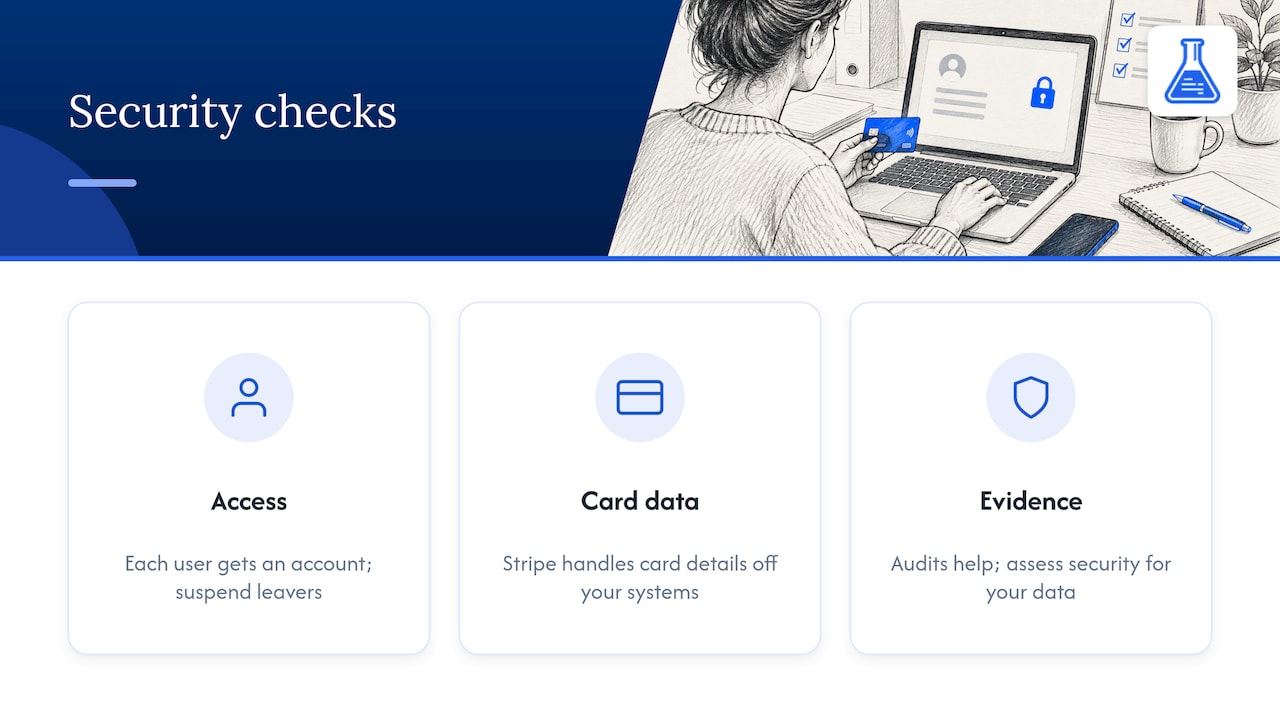
1. Access control. The same ICO guidance expects each user to have their own account, and a way to create, update, suspend and delete accounts when people leave. If you work with a bookkeeper or a freelancer on your team, this matters on day one. Shared logins are the weak point in most small firms.
2. Card data. The ICO’s guide to data security says that if you process payment card data you must comply with PCI-DSS, the card industry’s security standard, and that the ICO will consider your PCI-DSS measures if a breach happens. The simplest way to stay out of that territory is to let a specialist processor handle the card details so they never touch your own systems. InvoiceLabs takes card payments through Stripe, and we explain what that means for freelancers in our PCI compliance guide for invoicing.
3. Evidence, not badges. A kitemark or independent audit helps you compare providers, but the ICO notes it does not replace your own assessment of whether the security is right for what you process. Ask what the provider does about sub-processors, exports and incidents. A reputable one will answer plainly. Our wider guide to secure online invoicing walks through the same questions for freelancers.
One more point that is easy to miss: your own devices and network. Invoices are only as safe as the laptop or Wi-Fi they are opened on, so separating guest and business connections, as set out in these guest Wi-Fi safeguards, is a cheap protection for a small office.
The options compared
These are the tools UK freelancers and small firms most often put on a shortlist. Figures for other providers come from the dated review pages cited, are ex-VAT where stated, and change, so confirm on each provider’s own pricing page before you buy.
| Tool | Entry price | Free plan limits | Card payments | Best for |
|---|---|---|---|---|
| InvoiceLabs | Free; Starter £9/month; Professional £19/month; Business £49/month | Free plan with limited usage; paid plans add clients, companies and unlimited invoices | Stripe, 1% fee on card payments | Fast, branded, secure invoicing for freelancers, consultants and agencies |
| Zoho Invoice | £0 | 2 users, 3 projects, 500 invoices a year, Zoho branding on documents | Gateway fees charged separately | Very low-volume sole traders |
| Zoho Books | Free; Standard £12/month; Professional £24/month | 1,000 invoices a year on the free plan | Via payment gateways | Firms wanting full accounting |
| Wave | Free Starter; Pro $19/month | Unlimited invoices on Starter | Processing fees apply | Cost-conscious users who can live with US-centred pricing |
| FreshBooks UK | Tiered plans | Not a free plan | Card and direct debit; fee caps by tier; Advanced Payments £15/month add-on | Firms wanting accounting-led workflows |
The Zoho details come from Ranktora’s Zoho Invoice review (pricing checked September 2026) and Ensurva’s UK Zoho Books pricing page (October 2026, ex-VAT). Wave’s tiers are from PickMySoft’s 2026 roundup, and FreshBooks’ UK fees from Toollers’ comparison (October 2026).
InvoiceLabs: our pick
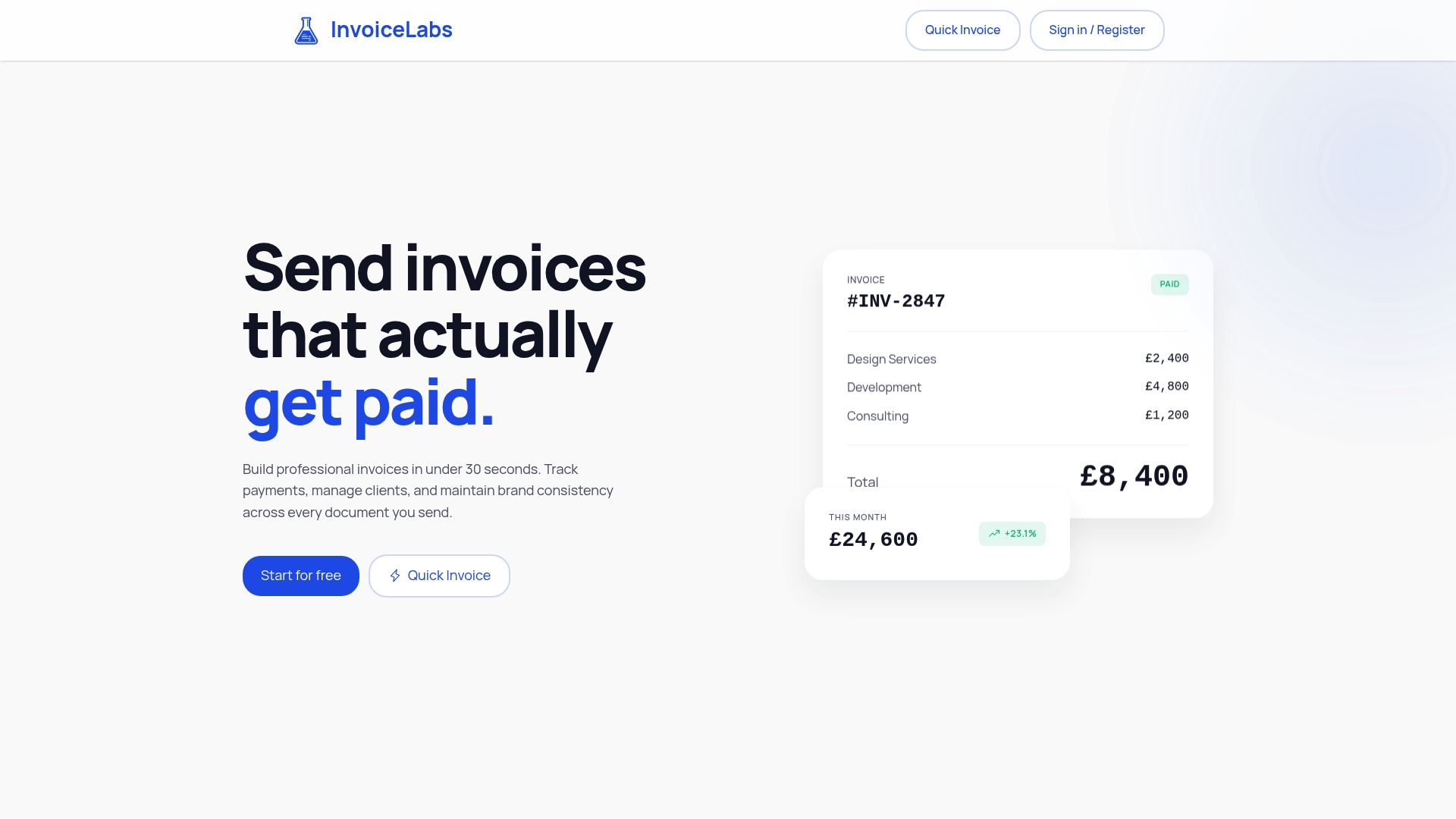
InvoiceLabs is built around one job: getting a professional invoice created and delivered quickly, then getting it paid. You can create an invoice in under 30 seconds, with real-time tax and discount calculations, instant delivery and live status tracking, so you can see where each invoice stands rather than chasing blind. Bank-grade security and no hidden fees sit alongside that.
What that gives each type of reader:
- Freelancers can start with the free invoice generator, which needs no account, and download a PDF.
- Consultants keep full brand control: logo, colours and templates tailored by profession, so every invoice looks like your firm.
- Agencies get multi-currency support and paid plans with more clients, companies and unlimited invoices.
- Everyone can collect by card through Stripe, with a 1% fee on card payments and no subscription needed beyond your plan.
Our QuickBooks alternatives guide and UK invoicing software comparison go deeper on cost and fit if you are weighing us against accounting suites.
Zoho Invoice and Zoho Books
Zoho Invoice is a permanent £0 product, with limits of two users, three active projects and 500 invoices a year, and Zoho branding on your documents. Gateway, direct debit and postal charges are separate, and free accounts inactive for 180 days may be removed. That suits someone sending a handful of invoices a month. If you send more, or your clients should see only your brand, a paid plan or a tool with unbranded documents is the natural step. Zoho Books adds accounting: its free plan allows 1,000 invoices a year, Standard is £12 a month and Professional is £24 a month, ex-VAT, with extra users at £2.50 a month.
Wave
Wave’s Starter plan is free with unlimited invoices, estimates and basic bookkeeping, and Pro at $19 a month adds automated bank imports and late-payment reminders. It is priced in dollars, which is worth remembering when you invoice in pounds and compare your monthly outgoings.
FreshBooks UK
FreshBooks supports online card collection and direct debit, with transaction-fee caps of £4 on applicable lower tiers and £2 on Premium, and Advanced Payments is a separate £15 a month add-on on Lite, Plus and Premium. If you want an all-in-one accounting product with that structure, it is a recognised choice. If you mainly want to send and collect, a dedicated tool keeps the bill and the screens simpler.
Branding and what your clients see
For consultants and agencies, an invoice is a piece of brand. UK invoice apps should let you add a logo, colour scheme, fonts and design, and edit terms-and-conditions templates, according to MobileTransaction’s 2026 guide to UK invoice apps. Any tool must also produce the basics HMRC and GOV.UK expect: a unique invoice number, your customer’s address, a payment due date and itemised products or services.
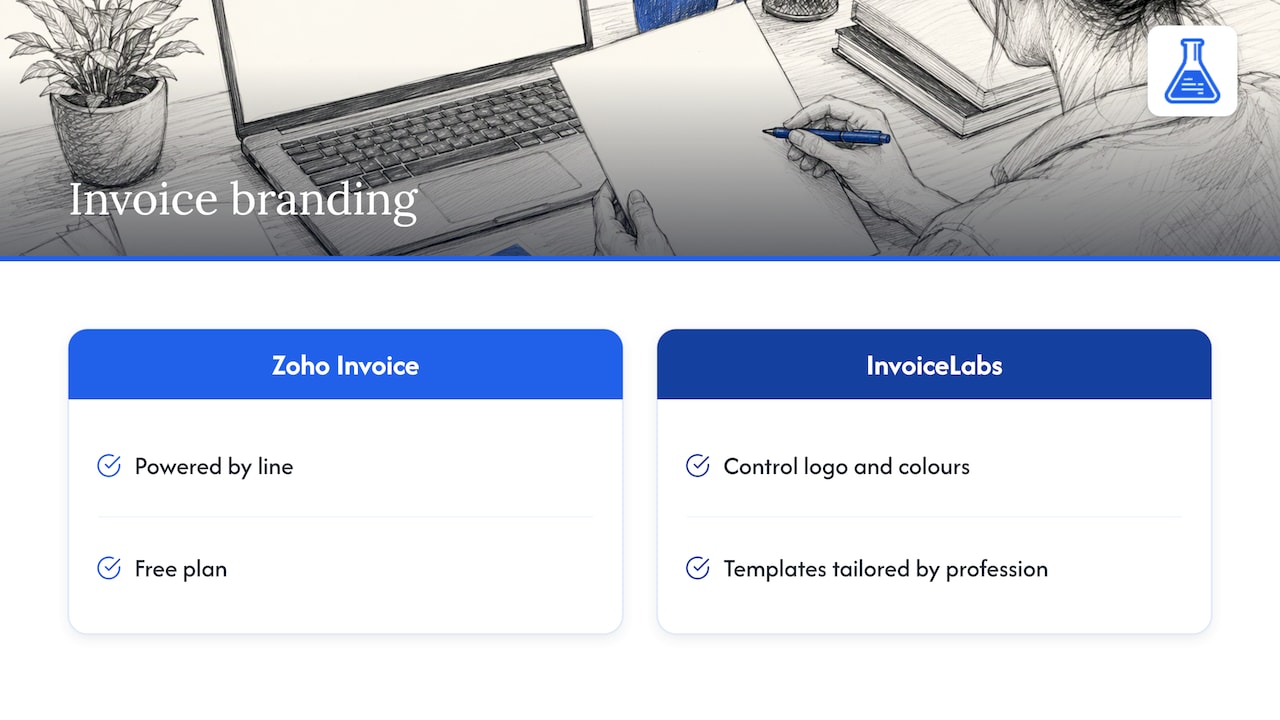
This is where vendor branding bites. On Zoho Invoice’s free plan your documents carry a “Powered by” line. With InvoiceLabs you control logo and colours, and templates are tailored by profession, so a designer’s invoice and a consultant’s invoice each read the way their clients expect.
Getting paid faster
The most secure invoice is no use if it sits unpaid. Three features shorten the wait:
- Instant delivery and status tracking. You know when an invoice has gone out and where it stands, so follow-ups are timed rather than guessed.
- A card payment option on the invoice. Paying takes one click instead of a bank transfer to type in. InvoiceLabs’ Stripe integration does this at 1% per card payment.
- Reminders and late-payment terms. The UK has statutory interest on late commercial payments, and a 2026 accounts receivable comparison reports that the government confirmed mandatory statutory interest in commercial contracts from April 2026. It also notes that the rate is set at 8% above base rate plus fixed sums of £40, £70 or £100 depending on the debt size, so state your terms on every invoice.
Check fees against volume too. For many small card payments, fees can outweigh an apparent subscription saving, as Toollers points out. A flat 1% with no hidden fees is easy to model: on a £500 invoice paid by card, that is £5. If you also want a safer routine for the payment step itself, this secure transaction checklist is worth running through.
Costs side by side
InvoiceLabs publishes four plans:
- Free: £0 per month, limited usage, ideal for trying it or occasional invoices.
- Starter: £9 per month.
- Professional: £19 per month.
- Business: £49 per month.
Paid plans unlock additional clients, companies and unlimited invoices. Card payments on invoices cost 1%. Compare that with a system where you pay a plan fee and then separate gateway charges and add-ons: with the Zoho free tier, for instance, payment gateway and direct debit fees are charged separately, and FreshBooks’ Advanced Payments is a £15 monthly add-on. Having one subscription price and one card fee makes the real monthly cost easier to predict. If budget is your first filter, our cheapest invoicing alternatives list shows how the low-cost field stacks up.
A short checklist before you commit
- Accounts: does every person get their own login, and can you remove leavers quickly?
- Card data: are payments processed by a specialist processor so card details never sit with you?
- Branding: can you remove vendor branding and use your logo and colours?
- Limits: how many invoices, clients and users does the plan allow, and what happens at the cap?
- Total cost: plan price plus processing fee plus any add-ons, on your real monthly volume.
- Usability: give the owner and the bookkeeper the same five tasks, such as creating, sending, tracking, crediting and exporting an invoice, and see who finishes without help.
Why we built it this way
Most invoicing delays are not about money. They are about friction: an invoice that takes ten minutes to build, looks generic, arrives late and gives the client no easy way to pay.
We designed InvoiceLabs for the professional who wants all of that gone. Create the invoice in under 30 seconds, let the tax and discounts calculate in real time, send it instantly and watch its status. Give clients a card payment option through Stripe, and keep the documents in your own brand.
Security is the foundation, not a feature to bolt on. Our platform is built with bank-grade security and no hidden fees, so you know what you pay and what you protect. A freelancer and a growing agency should both be able to send an invoice with confidence.
Black Flame Digital
Try it on your next invoice
If you want secure, branded invoicing without the accounting suite, InvoiceLabs has a free plan, and paid plans from £9 a month for more clients, companies and unlimited invoices. You can look at the plans and pricing and decide which fits your volume.
If you just need one invoice today, the free invoice generator works without an account.
FAQ
What is the best invoicing software for a freelancer?
Choose one that creates an invoice in seconds, lets you use your own logo and colours, and collects payment online. InvoiceLabs does this, with a free plan to start and paid plans from £9 a month as your client list grows.
Is Zoho Invoice actually free?
Yes, in the UK it is a permanent £0 product with no card needed. It is limited to two users, three active projects and 500 invoices a year, and carries Zoho branding. Payment gateway fees and other add-ons are charged separately.
How do I know an invoicing service keeps my data safe?
The ICO expects you to pick a provider with sufficient security guarantees, give each user their own account and remove leavers. Ask how card data is handled and what the provider says about sub-processors and incidents. InvoiceLabs is built with bank-grade security.
Do I need PCI-DSS compliance to take card payments on invoices?
If you process card data, the ICO says you must comply with PCI-DSS. Using Stripe to handle card payments, as InvoiceLabs does, keeps card details away from your own systems. If you are unsure of your position, speak to your payment provider or an adviser.
Sources
- ICO: Guidance on the use of cloud computing
- ICO: A Guide to Data Security (May 2023)
- Ranktora: Zoho Invoice Review 2026
- Ensurva: Zoho Books Pricing 2026
- PickMySoft: Best Invoicing Software in 2026
- Toollers: FreshBooks vs Sage Accounting, UK Pricing
- MobileTransaction: 9 Best Invoice Apps for UK Small Businesses
- Acenteus: Best Accounts Receivable Software UK 2026
- Guest WiFi Security: 3 Safeguards for UK Homes and Small Businesses
- Your Secure Transaction Checklist for Safer Online Payments
Recommended
Send your next invoice in seconds
Create professional invoices, track payments and get paid faster — free to start.