Stripe vs PayPal for Invoices: UK Fees and Fit Compared
Stripe vs PayPal for Invoices: UK Fees and Fit Compared

For most UK freelancers and small firms, Stripe is the cheaper way to collect an invoice payment. PayPal is the more familiar button for the client. Neither is an invoicing workflow on its own. The best result comes from pairing Stripe’s card rails with a tool built for invoicing, which is what InvoiceLabs does: you create a branded invoice in under 30 seconds, it goes out instantly, you see its status, and clients can pay by card through Stripe.
This guide compares the two on what matters when you are chasing money: fees on real invoice amounts, branding, reminders, tracking and currencies.
TL;DR
- On a £500 invoice paid by a standard UK card, Stripe costs £9.70 including its Invoicing fee. PayPal’s standard rate works out at £14.80.
- PayPal’s strength is recognition: many clients already have an account and trust the checkout.
- Stripe’s strength is lower card fees, more payment methods and more control over how the invoice looks and behaves.
- Both charge per payment, so the invoice tool you pair with them decides how fast you create, send and follow up.
- InvoiceLabs has a free plan, paid plans from £9 per month, and card payments on invoices through Stripe at a listed 1% fee.
Table of Contents
- How invoicing works on each platform
- What each costs on a real invoice
- Branding and how professional the invoice looks
- Reminders, tracking and getting paid faster
- Currencies and cross-border clients
- Setup and day-to-day effort
- Which should you choose?
- Our view
- Pricing and getting started with InvoiceLabs
- FAQ
- Sources
How invoicing works on each platform
PayPal lets you create an invoice from a business account and email it to the client. The client pays with their PayPal balance, a linked bank account or a card. Payments made against a PayPal invoice are charged at the standard commercial rate, with no separate invoicing fee on top.
Stripe has its own invoicing product. It produces a hosted invoice page and PDF, and supports reminder and retry workflows. According to one review of Stripe’s rate card, it supports 25+ languages, 135+ currencies and 100+ payment methods, with Smart Retries that reattempt failed payments at timed intervals. Stripe’s Invoicing fee is charged per paid invoice, on top of the payment fee.

The practical difference: PayPal is quick to start and needs little setup. Stripe offers more depth, and that depth is easiest to use when something sits on top of it that handles the invoice document, branding and follow-up for you.
What each costs on a real invoice
Fees are the first thing most people compare, so here are the published UK rates and worked examples. Rates change, so check each provider’s own pricing page before you decide.
Stripe (UK). According to a UK fees guide checked on 30 October 2026, standard UK cards cost 1.5% + 20p, premium UK cards 2.8% + 20p, EEA cards 2.5% + 20p and international cards 3.15% + 20p, with an extra 2% for currency conversion. Pay by Bank is 0.5% + 20p capped at £5, and Bacs Direct Debit is 1% capped at £4. Stripe Invoicing adds 0.4% per paid invoice on Starter, or 0.5% on Plus, which adds quotes.
PayPal (UK). The standard domestic commercial rate is 2.9% + 30p, with an extra 1.29% for EEA buyers or 1.99% for other international buyers. Lower rates apply to some card-funded payments, so your own account’s fee table is the final word.
| Invoice scenario | Stripe | PayPal (standard rate) |
|---|---|---|
| £500, standard UK card | £7.70 card fee + £2.00 Invoicing Starter = £9.70 | £14.50 + 30p = £14.80 |
| £500, bank-based payment | £2.70 + £2.00 = £4.70 (Pay by Bank) | Not the standard route |
| £500, international card | Higher card rate plus conversion where it applies | Standard rate plus the international add-on |
The Stripe figures for £500 come from the same tillradar.co.uk worked examples. The PayPal figure is simple arithmetic on the published 2.9% + 30p rate.
Over a year, the gap matters. A freelancer collecting £3,000 a month through ten £300 invoices would see the difference add up to a meaningful sum, and every pound saved on fees is a pound you keep. Bank-based options on Stripe cut it further for larger invoices, because the fee is capped rather than a straight percentage.
Branding and how professional the invoice looks
A client pays faster when the invoice looks like it came from a real business and is obvious to act on. PayPal’s invoice is functional and carries PayPal’s checkout look. Stripe’s hosted invoice page and PDF are more flexible, and both give you a clean document the client can download.
If you are a consultant or agency, the question is how much control you have over the document itself: logo, colours, layout and wording. InvoiceLabs gives you full brand customisation including logo and colours, plus invoice templates tailored by profession and downloadable PDFs. Your client sees your brand throughout, not a payment processor’s.
Reminders, tracking and getting paid faster
Late payment is the real cost behind most invoicing decisions. What helps is knowing at once whether an invoice has been delivered, opened and paid, and being able to nudge the client without writing a fresh email each time.
Stripe supports automated reminder and retry workflows. PayPal sends reminders too, but your control over them is more limited. In both cases the processor focuses on the payment event. The invoice itself, who it was for, what it contained and where it stands, is easier to manage in a dedicated tool.
InvoiceLabs delivers invoices instantly and lets you track their status live, so you see where each one stands without digging through email or a processor dashboard. If you want to build a reminder routine, our guide on setting up invoice payment reminders walks through it step by step.

Currencies and cross-border clients
If some of your clients are abroad, currency conversion is where costs creep in. Stripe lists a 2% conversion charge on top of its international card rate, and PayPal adds an international percentage to its standard rate. A client paying in euros or dollars can easily cost you several percentage points between the fee and the exchange rate.
Two habits keep that in check: invoice in the currency the client will pay in, and know the full fee before you quote. For a deeper look at how exchange movements affect what you receive between invoice date and payment date, see this piece on invoice currency risk. InvoiceLabs supports multiple currencies, so the invoice can be issued in your client’s own.
Setup and day-to-day effort
PayPal wins on first-day simplicity: if you already have an account, you can send an invoice in minutes. Stripe takes a little longer to set up, and its invoicing features reward you most when you invoice regularly.
The effort that is easy to overlook is the repeated work: re-entering client details, calculating VAT or discounts, choosing a template, saving a PDF, chasing. That is the part InvoiceLabs is designed to remove. It calculates tax and discounts in real time as you build the invoice, and you can start without an account through its free invoice generator.
Which should you choose?
| If you are… | Best fit |
|---|---|
| A freelancer sending a few invoices a month who wants speed | InvoiceLabs, with card payment through Stripe |
| An agency collecting from many clients | InvoiceLabs for tracking and branding, Stripe for card rails |
| A consultant who needs invoices to match your brand | InvoiceLabs, with logo, colours and profession templates |
| Someone whose clients insist on paying with a PayPal balance | PayPal alongside your invoicing tool |
| A business paying close attention to per-payment cost | Stripe, which is lower on standard UK cards |
The pattern is consistent: Stripe is the more economical engine, and a purpose-built invoicing tool is what turns that engine into a faster, more professional process. For more options in the wider market, see our comparisons of invoicing software in the UK and Stripe for invoicing.
Our view
Most invoicing delays are not caused by the payment button. They come from slow creation, a document that looks generic, no sight of whether the client has opened it, and no easy way to follow up.
That is why we built InvoiceLabs around speed. You can create a professional invoice in under 30 seconds, with tax and discounts calculated in real time, delivered instantly and tracked by status. Your logo and colours stay consistent, and clients can pay by card through Stripe.
We think the sensible choice for a UK freelancer or small agency is not Stripe or PayPal in the abstract. It is a tool that makes each invoice quick to send, looks like your business and gets you to the payment sooner, with no hidden fees.
Black Flame Digital
Pricing and getting started with InvoiceLabs
InvoiceLabs has a Free plan at £0 per month, Starter at £9 per month, Professional at £19 per month and Business at £49 per month. Paid plans unlock additional clients, companies and unlimited invoices. Card payments on invoices carry a 1% fee. You can see the plans on the InvoiceLabs pricing page and try an invoice without creating an account.
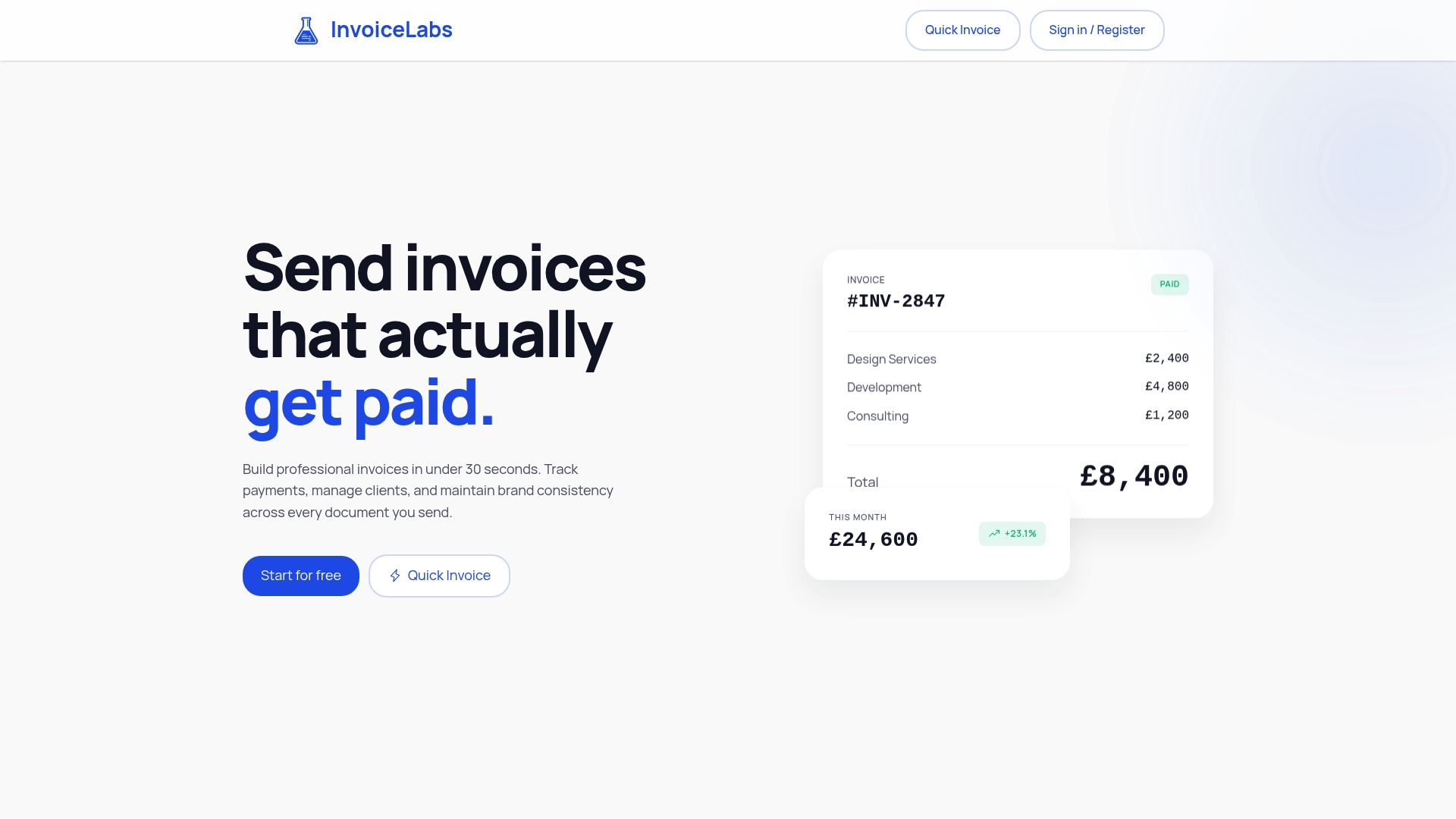
If you send invoices regularly, start on the free plan, send your first branded invoice and see how quickly it goes from draft to delivered.
FAQ
Does Stripe let UK businesses send invoices?
Yes. Stripe Invoicing creates hosted invoice pages and PDFs and supports reminders and payment retries. It adds a per-paid-invoice fee of 0.4% on Starter on top of the card or bank payment fee.
Is Stripe cheaper than PayPal for invoices?
On standard UK cards, yes. A £500 invoice costs £9.70 on Stripe including the Invoicing fee, against £14.80 at PayPal’s 2.9% + 30p standard rate. Check each provider’s current fee table, because rates can change.
Does PayPal charge extra for invoices?
No separate invoicing fee applies. Payments against a PayPal invoice are charged at the standard commercial transaction rate, and international buyers add a further percentage.
Can I use InvoiceLabs and still get paid by card?
Yes. InvoiceLabs integrates with Stripe for instant card payment collection on invoices, with a listed 1% fee on card payments. You can see all the plans on the InvoiceLabs site.
Sources
- Stripe Fees UK 2026: Cards, Links, International and VAT
- Stripe Invoicing Review, FinanceOpsClub
- PayPal Fees Explained: The Complete UK Guide for 2026
- PayPal Business Account UK: Fees and Store Integration
- 5 Low Cost Fixes for Invoice Currency Risk
Recommended
Send your next invoice in seconds
Create professional invoices, track payments and get paid faster — free to start.


