How to Track Invoice Status From Sent to Paid
How to Track Invoice Status From Sent to Paid

To track invoice status, give every invoice one clear status at all times (draft, sent, viewed, part-paid, paid or overdue), record the due date, and review the list on a fixed day each week. Do that from live software and the status updates itself. We built InvoiceLabs around this: you create an invoice in under 30 seconds, it is delivered instantly, and you can watch its status without chasing anyone for news.
TL;DR
- Every invoice needs a status, a due date and an amount outstanding. Without those three, you only find a late payment when your bank balance is short.
- Use a small set of statuses and define each one, so “sent” and “delivered” never mean the same thing.
- Check overdue invoices on a fixed weekly day and follow up in stages, starting with a polite reminder.
- UK law gives you the right to statutory interest and a fixed compensation sum on late commercial debts, and the government has set out plans to tighten the rules.
- InvoiceLabs has a Free plan at £0 per month, with live invoice status tracking and instant delivery built in.
Table of Contents
- What tracking invoice status really means
- The statuses worth using
- What each invoice record needs
- A step-by-step routine to track invoice status
- Following up on due dates and late payment in the UK
- Recurring invoices and records that stay tidy
- Our view on invoice tracking
- Start tracking with InvoiceLabs
- FAQ
- Sources
What tracking invoice status really means
Tracking an invoice means knowing, at any moment, where it sits between the day you create it and the day the money lands. It is not the same as bookkeeping. Bookkeeping records what happened. Tracking tells you what to do next: send it, nudge it, thank the client, or escalate.
For a freelancer with eight clients, the problem is memory. For an agency with forty live invoices, the problem is that three people each hold a slightly different version of the truth. In both cases the cost is the same: money arrives later than it should, because nobody noticed the invoice had stalled.
A good tracking habit answers four questions about every invoice:
- Has the client actually received it?
- When is it due?
- How much of it is still unpaid?
- What is the next action, and on which date?
If you can answer those four in under ten seconds for any invoice, you are tracking properly.
The statuses worth using
Keep the list short. Every extra status is one more thing to update by hand, and a status nobody updates is worse than none. These six cover almost every freelancer and small agency:
| Status | What it means | What you do next |
|---|---|---|
| Draft | Created but not yet sent | Check the numbers, tax and client details, then send |
| Sent | Delivered to the client’s inbox | Note the due date and wait |
| Viewed | The client has opened it | Expect payment on or before the due date |
| Part-paid | Some money received, balance outstanding | Record the amount and confirm when the balance will arrive |
| Paid | Full amount received | Close it and file the record |
| Overdue | Due date passed with money outstanding | Start the follow-up sequence |
Two habits make the table work. First, “overdue” should switch on automatically the day after the due date, not when you happen to notice. Second, part-payments need their own status. Marking a half-paid invoice as “sent” hides the balance, and marking it “paid” loses it altogether.
What each invoice record needs
Whether you work in software or on paper, each invoice record should hold the same core details:
- Invoice number
- Client name
- Date issued
- Due date
- Amount, including tax and any discount
- Amount paid so far
- Status
- Date of the last follow-up
A UK guide to keeping track of invoices and payments, published in May 2026, lists a very similar minimum set of columns, starting with invoice number, client name, date issued, due date, amount and status. The last two fields in my list, amount paid and last follow-up, are the ones people skip, and they are the two that let you act without re-reading an email thread.
A manual list works while you have a handful of invoices. It starts failing when you have to remember to change the status yourself, when the tax calculation sits in a different place from the invoice, or when a client pays by card and the list does not know. That is the point where status should come from the invoice itself rather than from you.
A step-by-step routine to track invoice status

1. Create the invoice with the due date built in
The due date is the most important field on the page, and it is the one most often left vague (“payable on receipt”). State a specific date. In InvoiceLabs you build the invoice in under 30 seconds, with real-time tax and discount calculations, so the total you track is the total the client sees. Where it goes wrong: a total that is corrected after sending, leaving the client and your records with different figures.
2. Send it in a way that confirms delivery
An invoice that sits in a spam folder is an invoice that will never be paid on time. Send it directly, to the person who actually approves payment, not a general inbox. InvoiceLabs delivers invoices instantly and shows you the status afterwards, so you are not guessing whether it arrived. If your client has a purchasing or accounts team, the contact for invoices is worth asking for at the start of the job. Our guide to emailing an invoice so accounts payable can process it covers the wording that gets invoices through quickly.
3. Let the status update itself
This is the step where manual tracking breaks down. With live status tracking, you see where each invoice stands without opening a spreadsheet, and you do not rely on remembering to change a cell after the money arrives. Where it goes wrong by hand: payments that land in your bank account but never get recorded against the invoice, so you chase a client who has already paid. That is an awkward email to send.
4. Offer a payment method that closes the loop
The fastest status change is “sent” to “paid” in one step. InvoiceLabs integrates with Stripe so clients can pay by card on the invoice, and the fee on card payments is 1%. Bank transfers still work for clients who prefer them, but card payment removes the gap between paying and being recorded as paid.
5. Review on a fixed day each week
Pick one day, and filter your invoices by “overdue” and “due in the next seven days”. Those two lists are your weekly to-do. Ten minutes is usually enough. Where it goes wrong: reviewing only when cash is tight, which means you are chasing at the moment you can least afford the delay.
6. Follow up in stages, then close the record
When an invoice passes its due date, move through a sequence rather than sending one angry email. Our five-stage overdue invoice email templates give you wording for each stage, and our guide to setting up invoice payment reminders shows how to schedule them so they go out without you having to remember. When the money arrives, mark it paid the same day.
Following up on due dates and late payment in the UK
Most late invoices are not disputes. They are forgotten, stuck in an approval queue, or waiting for a purchase order number. A friendly reminder a day or two before the due date, then another on the day after, resolves the majority without any friction. If your client’s approval process is the bottleneck, our piece on an invoice approval workflow explains how to find out where an invoice is stuck.
If an invoice stays unpaid, it helps to know where you stand legally. The Late Payment of Commercial Debts (Interest) Act 1998 entitles a supplier to a fixed compensation sum in addition to statutory interest once interest starts to run on a late commercial debt. It also makes contract terms void to the extent that they exclude the right to statutory interest, unless the contract provides a substantial remedy for late payment. In short, a client cannot simply write the right away in their terms.
The rules are due to change. In March 2026 the Department for Business and Trade published its response to the late payments consultation. It says the government intends to require statutory interest at 8% above the Bank of England base rate, to set maximum payment terms of 60 days with limited exemptions, and to introduce a statutory time limit for raising invoice disputes. The same document says 80% of respondents agreed that interest should be mandatory, and argues that this removes the need for small businesses to ask for interest at the risk of damaging a relationship. Because these are intentions, check the GOV.UK page for the position that applies when you invoice.
If you sell to the public sector, a different rule applies. Under section 68 of the Procurement Act 2023, payment terms are implied into most public contracts: authorities must pay a valid, undisputed invoice within 30 days of receipt or, if later, by its due date. That period does not apply to invalid or disputed invoices, and the authority must tell you without undue delay. The GOV.UK guidance on electronic invoicing and payment sets this out. In practice, it means a clean, correct invoice is the first thing that protects your 30 days.
Setting sensible terms in the first place prevents many late payments. This overview of payment terms for freelancers explains what to set and why. Whatever terms you agree, write them on the invoice and track against the due date they produce.
When a client goes quiet or refuses to pay, work through a defined ladder rather than improvising. Our UK four-step escalation ladder takes you from a reminder to formal action. For debts that are large or contested, take advice from a solicitor before starting a claim.

Recurring invoices and records that stay tidy
If you bill the same client every month, tracking becomes much easier when the invoice is generated on a schedule. ICAEW, the professional body for chartered accountants, advises using the recurring-invoice feature of your accounting software to produce regular invoices on a set date, such as the 25th of each month, and emailing each invoice as soon as it is produced. It also recommends reusing previous invoices and standard text, which cuts errors and keeps your records consistent.
Consistency helps tracking in a practical way. When every retainer invoice follows the same pattern of number, wording and due date, an overdue one stands out immediately.
Records matter for tax as well. If you are in Making Tax Digital for Income Tax, GOV.UK guidance says compatible software adds together your digital records every three months to create quarterly updates. These are summaries, not tax returns. HMRC does not receive details of individual receipts or invoices in them, and you must still send an update even if you had no income or expenses in the period. So the quality of your invoice records feeds straight into your quarterly figures. An invoice left as “sent” when it was actually paid, or the reverse, is a small error that carries into your tax records.
Our view on invoice tracking
We think the most expensive thing in invoicing is not the late client. It is the silence between sending an invoice and finding out what happened to it.
Most professionals we build for are not short of invoicing knowledge. They are short of time. Every minute spent updating a status by hand, re-checking a total or hunting for a missing reference is a minute not billed. So our approach is to put the tracking inside the invoice itself: create it in under 30 seconds, calculate tax and discounts as you type, deliver it instantly and show its status live.
Speed matters twice. A quick invoice goes out the day the work is done, which starts the payment clock sooner. A tracked invoice tells you the day it goes overdue, which lets you chase while the client still remembers the job.
Branding matters too. An invoice with your logo and colours, consistent from the first one to the fortieth, looks like it comes from a business that expects to be paid on time. Add Stripe card payments so the client can settle it in a click, and the path from sent to paid is as short as we can make it.
Black Flame Digital
Start tracking with InvoiceLabs
InvoiceLabs gives freelancers, consultants, agencies and small business owners one place to create, send and follow invoices. You can create professional invoices in under 30 seconds, with real-time tax and discount calculations, instant delivery, live status tracking, full brand customisation with your logo and colours, multi-currency support and downloadable PDF invoices. Invoice templates are tailored by profession, and Stripe card payments let clients pay on the invoice.
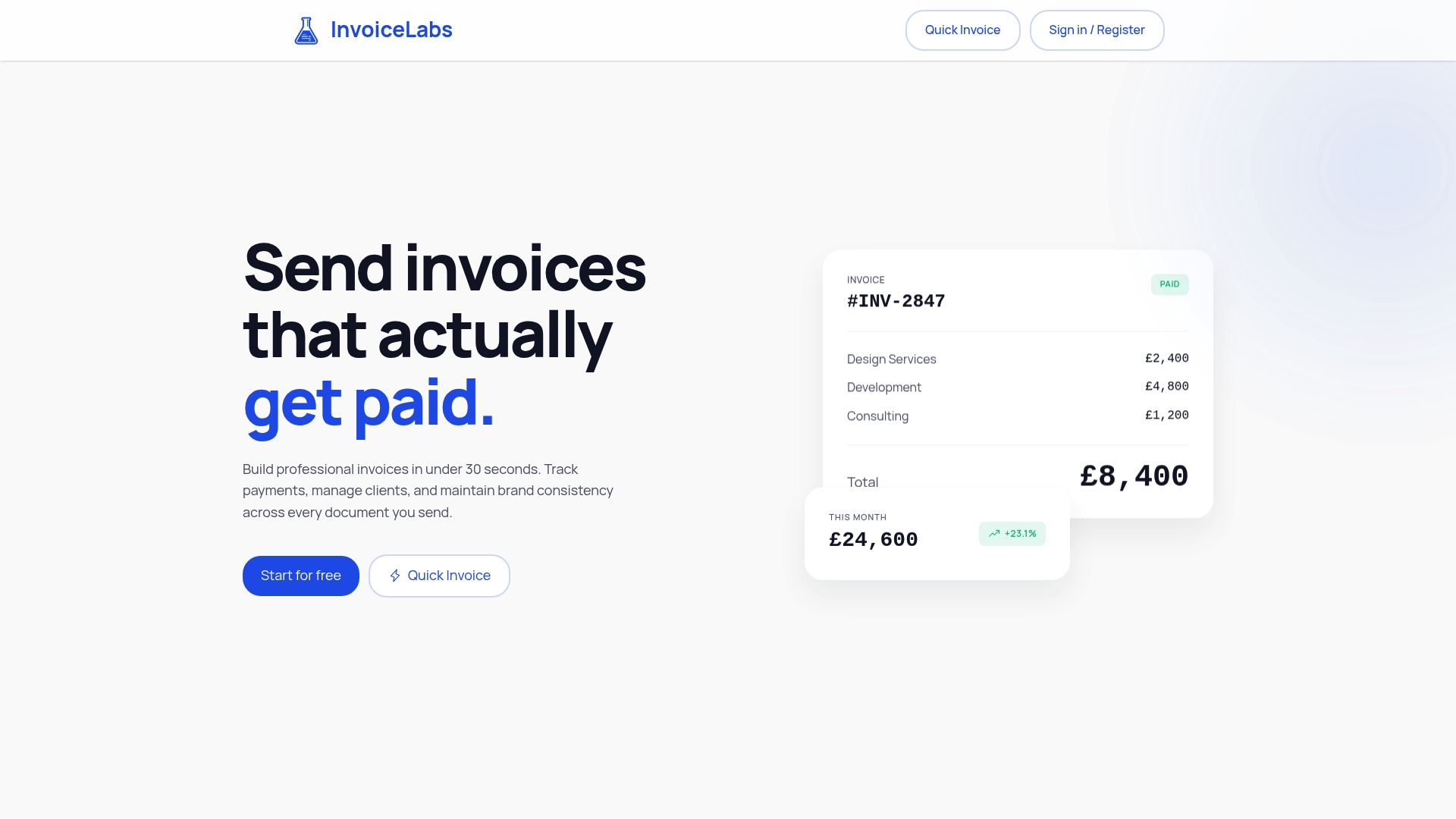
Pricing is published as four monthly plans: Free at £0, Starter at £9, Professional at £19 and Business at £49. Paid plans unlock additional clients, companies and unlimited invoices, and card payments on invoices carry a 1% fee. If you want to see how it feels before signing up, the free invoice generator lets you create a quick invoice without an account.
FAQ
What is the best way to track invoice status?
Give every invoice one of a few defined statuses and let software update it rather than doing it by hand. Pair that with a weekly review of overdue invoices and those due within seven days. With InvoiceLabs, live status tracking shows where each invoice stands without any manual updating.
Which statuses should I use for invoices?
Six are enough for most freelancers and small agencies: draft, sent, viewed, part-paid, paid and overdue. Define each one so it means the same thing every time. Part-paid deserves its own status so an outstanding balance never disappears.
How do I know if a client has received my invoice?
Send it directly to the person who approves payment and use a tool that shows delivery and status. InvoiceLabs delivers invoices instantly and lets you track their status afterwards. If a client says they never received it, you can see what happened rather than guess.
What can I do when an invoice becomes overdue?
Start with a friendly reminder the day after the due date, then escalate in stages if there is no reply. In the UK, the Late Payment of Commercial Debts (Interest) Act 1998 entitles you to statutory interest and a fixed compensation sum on qualifying late commercial debts. For a large or disputed debt, speak to a solicitor before taking formal steps.
Do I need to track invoices for Making Tax Digital?
If you are within Making Tax Digital for Income Tax, your compatible software builds quarterly updates from your digital records. HMRC does not receive individual invoices in those updates, but accurate invoice records produce accurate summaries. You must send an update even when you had no income or expenses in the period.
Sources
- Late Payment of Commercial Debts (Interest) Act 1998, legislation.gov.uk
- Time To Pay Up: Government Response to 2025 Late Payment Consultation, Department for Business and Trade, March 2026
- Guidance: Electronic Invoicing and Payment, GOV.UK, 20 July 2026
- Automating the accounting practice, ICAEW
- Use Making Tax Digital for Income Tax: send quarterly updates, GOV.UK
- Payment Terms for Freelancers: What to Set and Why
Recommended
Send your next invoice in seconds
Create professional invoices, track payments and get paid faster — free to start.


