Stripe for Invoicing: Your Options Compared (UK)
Stripe for Invoicing: Your Options Compared (UK)

Stripe is a very good way to take card payments on an invoice, but it is not a complete invoicing routine on its own. For most UK freelancers, consultants and small agencies, the simplest set-up is an invoicing tool that connects to Stripe, so you create a branded invoice in seconds and the customer pays by card from the same email. InvoiceLabs does exactly that: invoices in under 30 seconds, live status tracking and Stripe card payments, from a free plan.
Below, the three realistic ways to use Stripe for invoicing are compared on cost, speed, branding and how much admin each leaves you with.
TL;DR
- Stripe offers three routes: Stripe’s own invoicing, a payment link (which is a payment request, not an invoice), or an invoicing tool connected to Stripe.
- Stripe’s own invoicing adds a per-invoice fee of 0.4% on its Starter pricing, on top of its card processing charges.
- A payment link takes money but does not give your client a numbered, itemised invoice with tax lines, which UK clients’ accounts teams usually expect.
- InvoiceLabs lets you build a branded invoice, send it instantly, track its status and collect card payments through Stripe, with a 1% fee on card payments and plans from £0 to £49 a month.
Table of Contents
- What “Stripe for invoicing” actually means
- What a UK invoice has to contain
- Option 1: invoicing inside Stripe
- Option 2: a Stripe payment link
- Option 3: an invoicing tool connected to Stripe
- The options side by side
- How to add Stripe to your invoices, step by step
- Who should pick which option
- What InvoiceLabs costs
- Perspective
- Start with a free invoice, then add card payments
- FAQ
- Sources
What “Stripe for invoicing” actually means
Stripe is a payment processor: it moves money from your customer’s card to your account. Invoicing is a separate job. It means producing a document with your details, a unique number, the work done, the tax and the amount due, then getting it in front of the right person and chasing it if it is late.
When people search for Stripe for invoicing or a Stripe invoice integration, they usually want one of three things:
- Create the invoice inside Stripe. Stripe has a dashboard feature for this.
- Send a link that takes payment. Stripe’s payment links do this quickly, but they are not invoices.
- Keep their own invoicing tool and add a “Pay by card” button. This is what an integration does.
Each works. They differ in how much work you do before and after the payment lands.
What a UK invoice has to contain
Whichever route you choose, the document itself has rules. GOV.UK sets out what an invoice must include, such as a unique identification number, your name and address, your customer’s details, the date and a description of what you are charging for. If you are VAT-registered, the invoice also needs VAT details. A payment link on its own does not carry any of this.
That matters for two reasons. Business customers, especially agencies and larger clients, need a proper invoice to pay you through their accounts process. And you need a clean, numbered record for your own books at the end of the tax year.
Option 1: invoicing inside Stripe
Stripe Invoicing lets you create an invoice in the Stripe dashboard or through its API, email the customer a link to a Stripe-hosted invoice page, and let them pay there by card or other supported methods.
What it costs. On its UK pricing page, Stripe says Invoicing has no fixed fees or set-up costs, but you pay 0.4% per paid invoice on the Starter plan (0.5% on Plus), and Stripe’s normal payments pricing applies as well. For standard UK cards, Stripe’s published payments rate is 1.5% + 20p, and 2.8% + 20p for premium UK cards.

Where it fits. It suits a business that already lives in the Stripe dashboard and has a developer on hand, or one that bills through subscriptions.
Where it gets heavy for a freelancer. The dashboard is built for payments in general, so you are working in a tool designed for much more than invoicing. You also have two layers of charges to keep in your head: the per-invoice fee and the card fee. Templates tailored to your profession, a one-click logo-and-colour brand setup and a quick way to produce a one-off invoice without an account are not what it is designed around.
Option 2: a Stripe payment link
A payment link is a shareable web address that opens a checkout page. You can paste it into an email or message and the customer pays. It is fast, and for a small one-off job it can feel like invoicing.
The gap is the paperwork. A payment link is a request to pay, not an itemised invoice with a number, a date, your terms and tax shown line by line. If your client asks for “the invoice”, you still have to make one. And you have no clear overview of which links are paid, which are pending and which need a nudge, other than checking Stripe.
Use a payment link when the amount is small, the client is a consumer and nobody needs a formal document. For anything a business customer will process, send an invoice.

Option 3: an invoicing tool connected to Stripe
This is the route most freelancers and small agencies end up on, and the reason is simple. You get the invoice, the delivery, the status tracking and the card payment in one place, and Stripe stays in the background doing what it does best.
Invoicelabs is built this way. You create an invoice, your client receives it instantly, and they can pay by card through Stripe. You see the invoice’s status as it moves from sent to paid, so you are not guessing whether it has been opened.
What you get with InvoiceLabs
- Invoices in under 30 seconds, with real-time tax and discount calculations, so the maths is done as you type.
- Instant delivery and live status tracking, so you know where each invoice stands.
- Stripe card payments on invoices, for instant payment collection.
- Full brand customisation, including your logo and colours, so every invoice looks like it came from you.
- Multi-currency support, for clients abroad.
- Downloadable PDF invoices, for clients who want an attachment or for your own records.
- Invoice templates tailored by profession, so you do not start from a blank page.
- Accountless quick invoice creation, through the free invoice generator, when you just need one invoice now.
- Bank-grade security and mobile access for invoicing on the go.
The options side by side
| Stripe Invoicing | Stripe payment link | InvoiceLabs with Stripe | |
|---|---|---|---|
| Produces a numbered, itemised invoice | Yes | No | Yes |
| Fee for the invoicing layer | 0.4% per paid invoice (Starter) | None stated for links alone | £0 on the Free plan; £9, £19 or £49 a month on paid plans |
| Card payment charge | Stripe’s card rates apply | Stripe’s card rates apply | 1% on card payments on invoices |
| Brand customisation with logo and colours | Via Stripe’s invoice settings | Limited to the checkout page | Full, built in |
| Quick one-off invoice without an account | No | Link needs a Stripe account | Yes, through the free generator |
| Invoice templates by profession | No | No | Yes |
| Live status tracking | In the Stripe dashboard | Payment status only | Yes, per invoice |
| Best for | Developers and subscription businesses | Small consumer payments | Freelancers, consultants, agencies and small businesses |
Stripe’s figures are from its published UK pricing and apply to Stripe’s own products. Check Stripe’s pricing page for its current rates, because they can change.
How to add Stripe to your invoices, step by step
Here is the routine for getting paid by card from an invoice, and where each step tends to go wrong.
1. Decide what you are charging for
Write the work as lines: a description, a quantity or hours, and a price. Vague lines (“consulting”) are the most common reason a client’s accounts team queries an invoice. In InvoiceLabs, the profession templates give you sensible line structures, and tax and discounts are calculated as you enter them, so the total is right before you send.
2. Add your branding
Put your logo and colours on the invoice. It makes the document recognisable, and for consultants and agencies it keeps the invoice consistent with proposals and decks. InvoiceLabs applies your logo and colours across every invoice you send.
3. Set the payment terms
State the due date, and say clearly how to pay. Many freelancers leave this vague and then wait. Our guide to invoice payment terms examples has wording you can copy. If you charge interest on late payment, put it on the invoice up front; GOV.UK explains that under the late payment rules for commercial debts you can claim interest and a fixed sum when a business customer pays late.
4. Connect Stripe
This is the step that turns a document into something that gets paid in minutes. With InvoiceLabs, card payments on invoices run through Stripe, so the client sees a pay option on the invoice rather than copying bank details into their banking app.
5. Send it immediately
Delays begin when an invoice sits in a draft folder. Delivery in InvoiceLabs is instant, so the clock on your payment terms starts the moment the work is finished.
6. Watch the status
Track whether the invoice has been sent, opened or paid, and chase on the day it falls due, not a fortnight later. Live status tracking in InvoiceLabs saves you from checking several inboxes and dashboards.
7. Keep clean records
Numbered PDF invoices are what you need at the end of the year. They are also useful if you ever apply for finance as a self-employed person: lenders look at your income history, and this guide on sole trader mortgage application tips shows how tidy records help. InvoiceLabs lets you download every invoice as a PDF.
Who should pick which option
Freelancers who need a quick invoice. Use the free generator to produce a one-off invoice without an account, then move to a plan when you want card payments and tracking across several clients.
Consultants who care about how invoices look. Choose a tool with full brand control. A plain payment page does not carry your identity into the client’s accounts inbox.
Mid-size agencies collecting from many clients. You need invoices to go out fast, statuses visible at a glance and card payment available as an option. The higher InvoiceLabs plans unlock more clients, more companies and unlimited invoices.
Small business owners watching costs. Compare the layers. With Stripe’s own invoicing you pay an invoicing fee and the card fee. With InvoiceLabs you can start at £0 a month and see the 1% card payment fee up front.
For wider comparisons, see our guides to the best invoicing software for freelancers and the top invoicing software for small businesses.
What InvoiceLabs costs
| Plan | Price per month |
|---|---|
| Free | £0 |
| Starter | £9 |
| Professional | £19 |
| Business | £49 |
Card payments on invoices carry a 1% fee. The Free plan has limited usage; paid plans unlock additional clients, companies and unlimited invoices.
Perspective
Most of the invoicing delays we hear about are not payment delays. They are paperwork delays: an invoice that was made late, sent late, looked unfamiliar or gave the client no easy way to pay.
Stripe solves the last part brilliantly. It is a payments platform, and it is built to be one. But a freelancer with six clients does not want to learn a payments platform to send a bill. They want to type the work, see the tax calculated, put their logo on it, send it and watch it turn from sent to paid.
That is why we built InvoiceLabs around speed: an invoice in under 30 seconds, delivered instantly, with real-time tax calculations and live status tracking. Stripe card payments sit inside that flow, so the person paying never has to leave the invoice. And since there are no hidden fees, you know what you pay before you send.
Our view is simple: the invoice should be the easy part of your working day, and getting paid should follow from it.
Black Flame Digital
Start with a free invoice, then add card payments
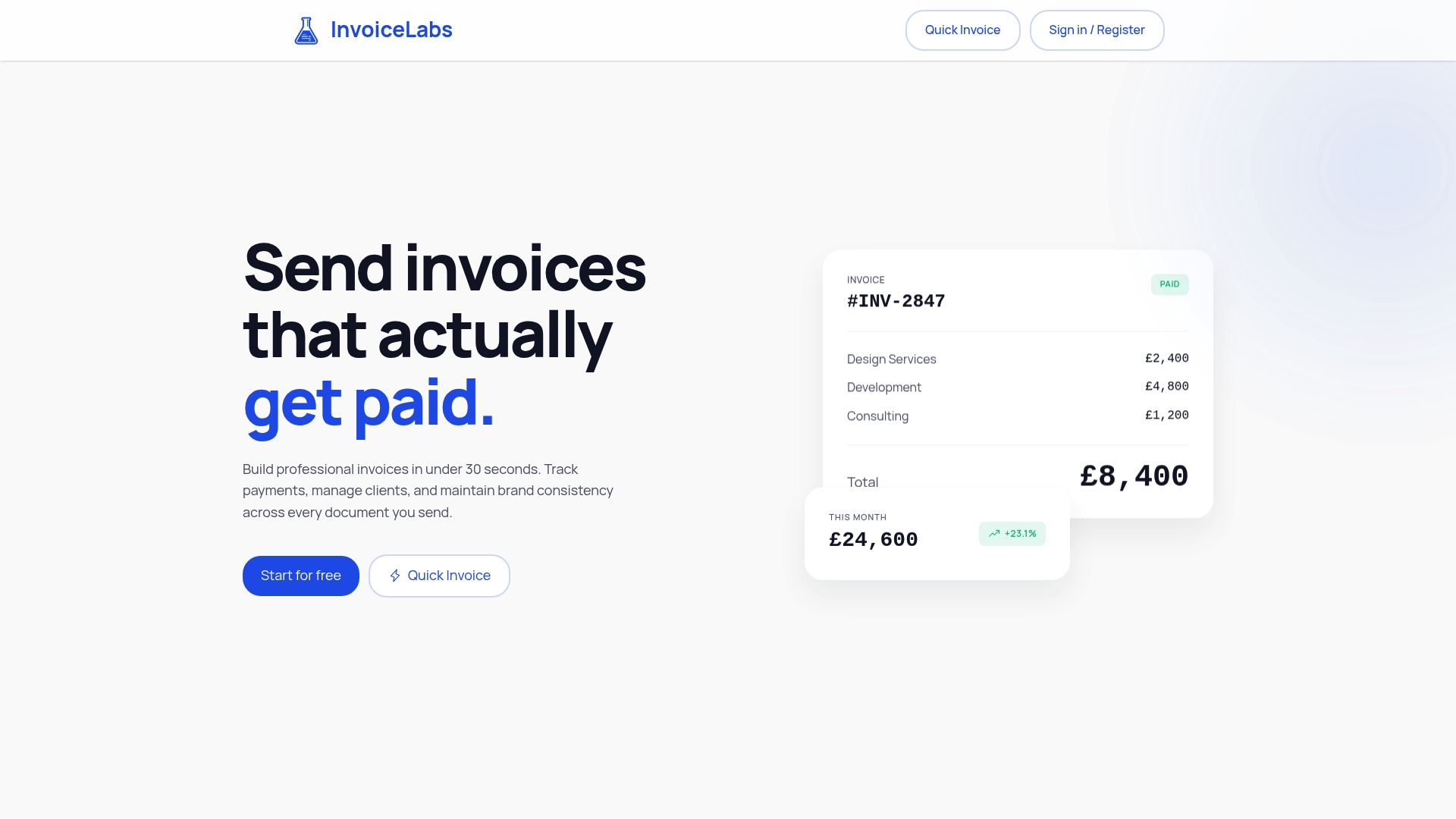
If you want to see how the routine feels, make your first invoice with the free invoice generator: no account needed. When you want your logo, several clients, tracking and Stripe card payments in one place, the InvoiceLabs plans run from Free at £0 to Business at £49 a month.
For a longer walk-through, read how to create an online invoice fast and get paid.
FAQ
Can I send an invoice through Stripe?
Yes. Stripe has an invoicing feature that lets you create an invoice in its dashboard and email a hosted invoice page where the customer pays. Stripe charges 0.4% per paid invoice on its Starter pricing, plus its card processing fees. If you would rather create branded invoices quickly and collect card payments through Stripe, InvoiceLabs does that from a free plan.
Is a Stripe payment link the same as an invoice?
No. A payment link is a checkout address that collects money. It does not itself give your client a numbered, itemised invoice with dates, terms and tax. For business customers, send an invoice that includes the payment option instead.
Why am I being charged by Stripe?
Stripe charges for processing card payments, and for some products such as Invoicing it adds a separate per-invoice fee. Your Stripe dashboard shows the fee on each payment. With InvoiceLabs, card payments on invoices carry a 1% fee, stated on the pricing page.
How do I add Stripe to my invoices?
Use an invoicing tool that connects to Stripe. You create the invoice as normal, and the client sees a card payment option on it. InvoiceLabs includes Stripe card payments, so there is no separate payment page to build or link to paste.
Sources
- GOV.UK: Invoices, what they must include
- GOV.UK: Late commercial payments, interest and debt recovery
Recommended
Send your next invoice in seconds
Create professional invoices, track payments and get paid faster — free to start.


