Top 3 Invoicing Software Alternatives for Contractors 2026

Handling invoices, payments, and compliance for several clients or projects often stretches basic invoicing tools beyond their limits for contractors. Many mainstream invoicing software options restrict multiple business management, push paid upgrades for team billing, or miss built-in tools for job costing and local tax filing. This breakdown highlights pricing, team features, and compliance capabilities so contractors can pick a software match for their workflow and project needs.
Table of Contents
invoicely
At a Glance
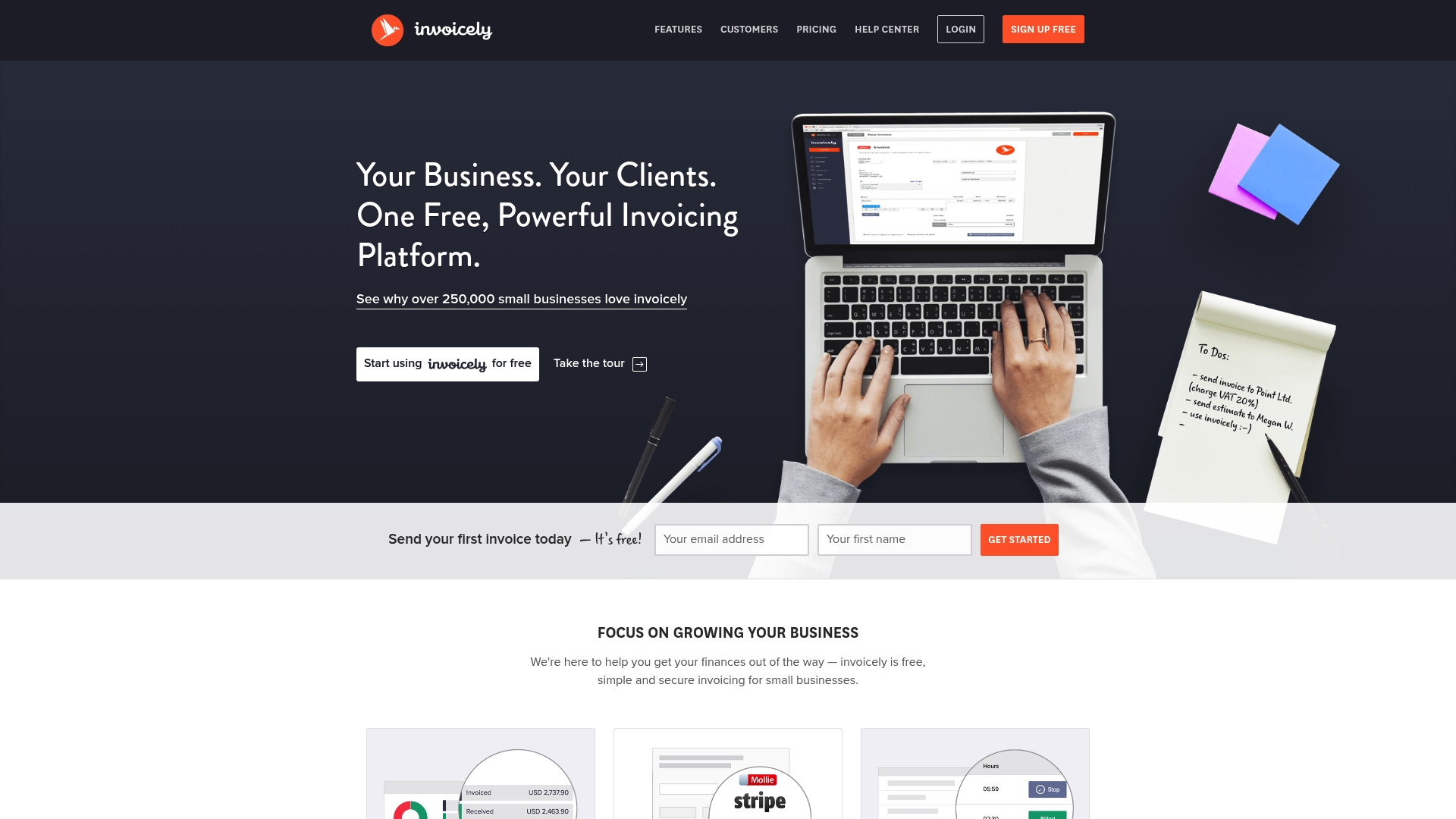
invoicely reports over 250,000 small businesses use the service to manage invoicing and financial reporting. The vendor emphasizes a free entry tier and browser access on any device. The platform also supports multi-company management, letting one account run separate businesses and teams.
Core Features
You can create invoices and estimates in any language or currency and accept online payments through multiple gateways. The app records time, expenses, and mileage and converts those entries into billable items. Branding options let you add logos and color schemes while built in reports produce monthly, yearly, or custom summaries.
Key Differentiator
The clearest differentiator is the combination of a no cost entry level and multi company support in one web interface. That pairing targets freelancers and small firms who need separate books without separate logins. The vendor presents this as a way to manage several businesses from a single account while keeping client records distinct.
Pros
A free plan allows many solo contractors to send invoices without an upfront fee, and the interface makes invoice and estimate creation quick. Online payment acceptance through several gateways reduces time to payment for most small projects. Custom branding and simple financial reports keep documents professional and make month end reconciliation easier.
Cons
- Free plan limitations appear in third party reviews, with reported caps on invoices and client counts.
- Recurring billing and advanced team permissions live behind paid tiers, so larger crews need to upgrade.
- Tax and discount handling may fall short for contractors with complex multi state or itemized tax rules.
When It May Not Fit
If your firm issues high invoice volumes or requires strict role based permissions, invoicely may force a paid upgrade. Large enterprises that need advanced tax modeling or deep accounting automation will find the feature set limited. Also, teams that rely on built in payroll or advanced inventory should look elsewhere.
Who It’s For
Independent contractors, freelancers, and small business owners who want a low cost way to bill clients will find invoicely useful. It suits people who need multiple business units under one login and who accept online payments. Owners who prefer a web first tool that runs on any device will get immediate value.
Real World Use Case
A freelance graphic designer tracks hours and project expenses, then converts them into a single invoice for each client. The designer collects payment via an integrated gateway and uses monthly reports for tax prep. Managing two side businesses under one account keeps client lists separated and reduces login overhead.
Pricing
A free tier covers basic invoicing and multiple business units. Paid plans start at $9.99 per month and rise to $29.99 per month for higher tiers with added features. Companies needing recurring billing or team controls should budget for the paid plans.
Website: https://invoicely.com
InvoHydra
At a Glance
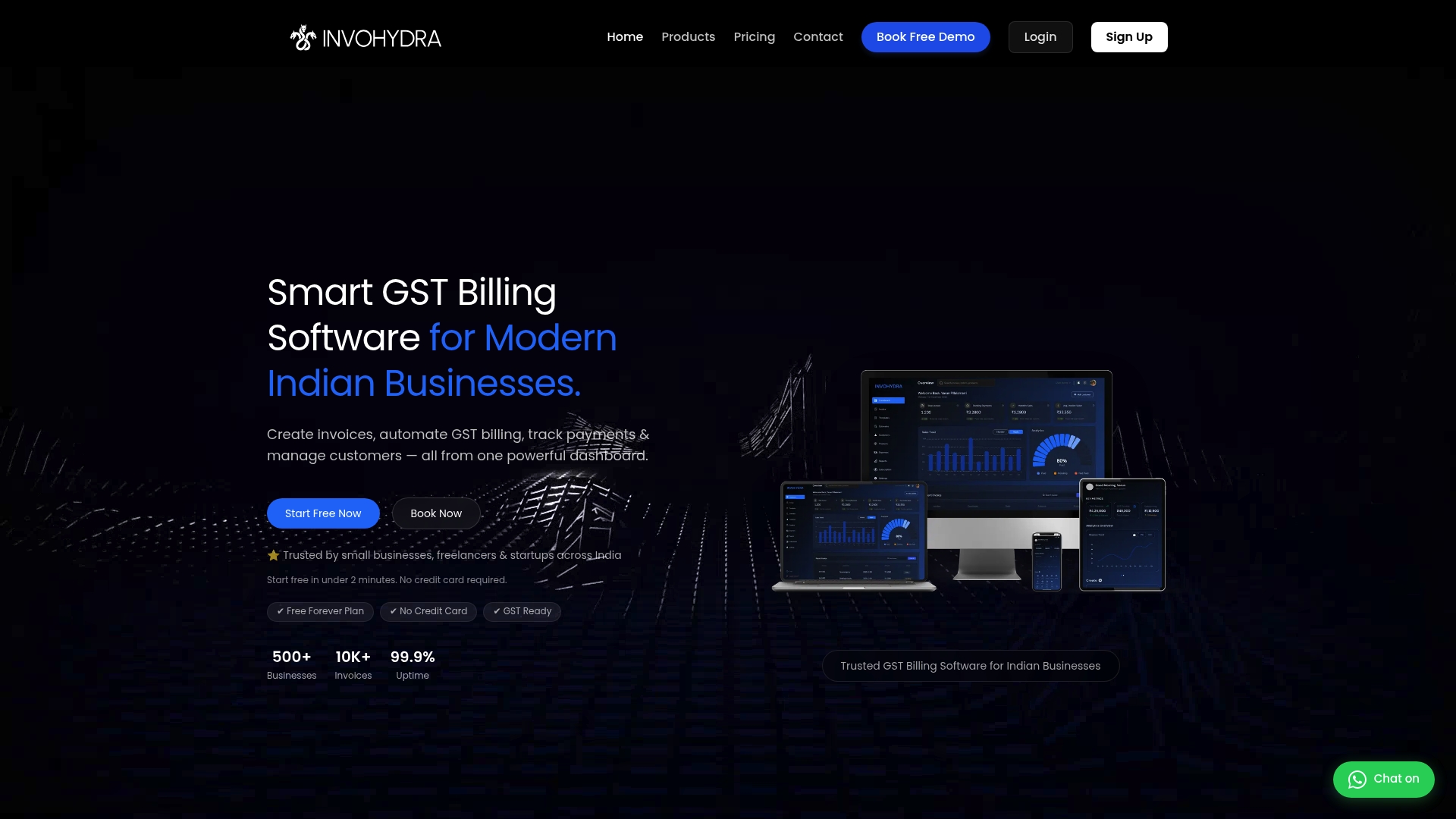
Instant invoice and bill generation with QR code and IRN support removes a major manual step for GST reporting. The platform pairs automated GST calculations with mobile access and cloud backup. That combination helps small Indian businesses finish invoicing and file required documents faster.
Core Features
InvoHydra centralizes invoicing, GST billing, accounting, inventory, e-invoicing, and e-way bill workflows in one interface. It offers automated GST calculations, customizable invoice and proforma templates, multi-currency billing with real-time exchange rates, and dashboard payment tracking via mobile app. The product also supports bulk processing, role-based user access, and scheduled backups.
Key Differentiator
Designed specifically for Indian MSMEs, InvoHydra integrates automated GST reporting and IRN issuance directly into daily billing. That focus on Indian tax flows and e-invoicing makes it better suited than InvoiceLabs for contractors who must comply with GST, generate IRN, and file GSTR reports regularly. The vendor positions the platform around local compliance and payment gateway connections.
Pros
The platform combines invoicing, inventory, and tax reporting so you do not switch between multiple tools. Mobile app access and secure cloud synchronization let field crews and office staff share the same invoices and payment statuses. The vendor also offers a free forever plan and paid tiers, which lowers the barrier for new or small operations. Customer help includes demo booking, FAQ, email, and chat support.
Cons
- Limited free invoice capacity in starter plans. You may need an upgrade for unlimited billing.
- Some advanced features such as full E-Invoicing and E-Way Bill automation require higher tiers or are rolling out. That can delay full compliance for bigger accounts.
- The product targets Indian GST regulation closely. Non-India businesses will find local tax logic and templates less relevant.
- As with any cloud service, internet outages affect access and depend on the vendor’s infrastructure.
When It May Not Fit
If your business only issues occasional, simple invoices without GST obligations, InvoHydra offers more than you need. International contractors who do not use Indian tax systems will not benefit from the GST and IRN workflows. Businesses that require deep custom integrations beyond the available API access should confirm feature availability before committing.
Who It’s For
Indian contractors, small retail firms, freelancers, and MSMEs that must generate GST-compliant invoices and file regular returns. It fits teams that need mobile invoicing, QR code invoices, and role-based access for admins and field staff. Firms prioritizing local tax automation will find the product aligned to their needs.
Real World Use Case
A Mumbai-based freelance graphic designer uses InvoHydra to generate GST invoices, track payments, and generate GSTR reports all from a mobile app. That setup saves hours each week and helps keep tax filings current while working on client projects.
Pricing
InvoHydra offers a free plan and tiered paid plans. Paid tiers range from ₹199/month to ₹359/month and add features such as unlimited invoicing, multi-currency, TDS and TCS handling, recurring billing, and API access.
Website: https://invohydra.com
ZevBit
At a Glance
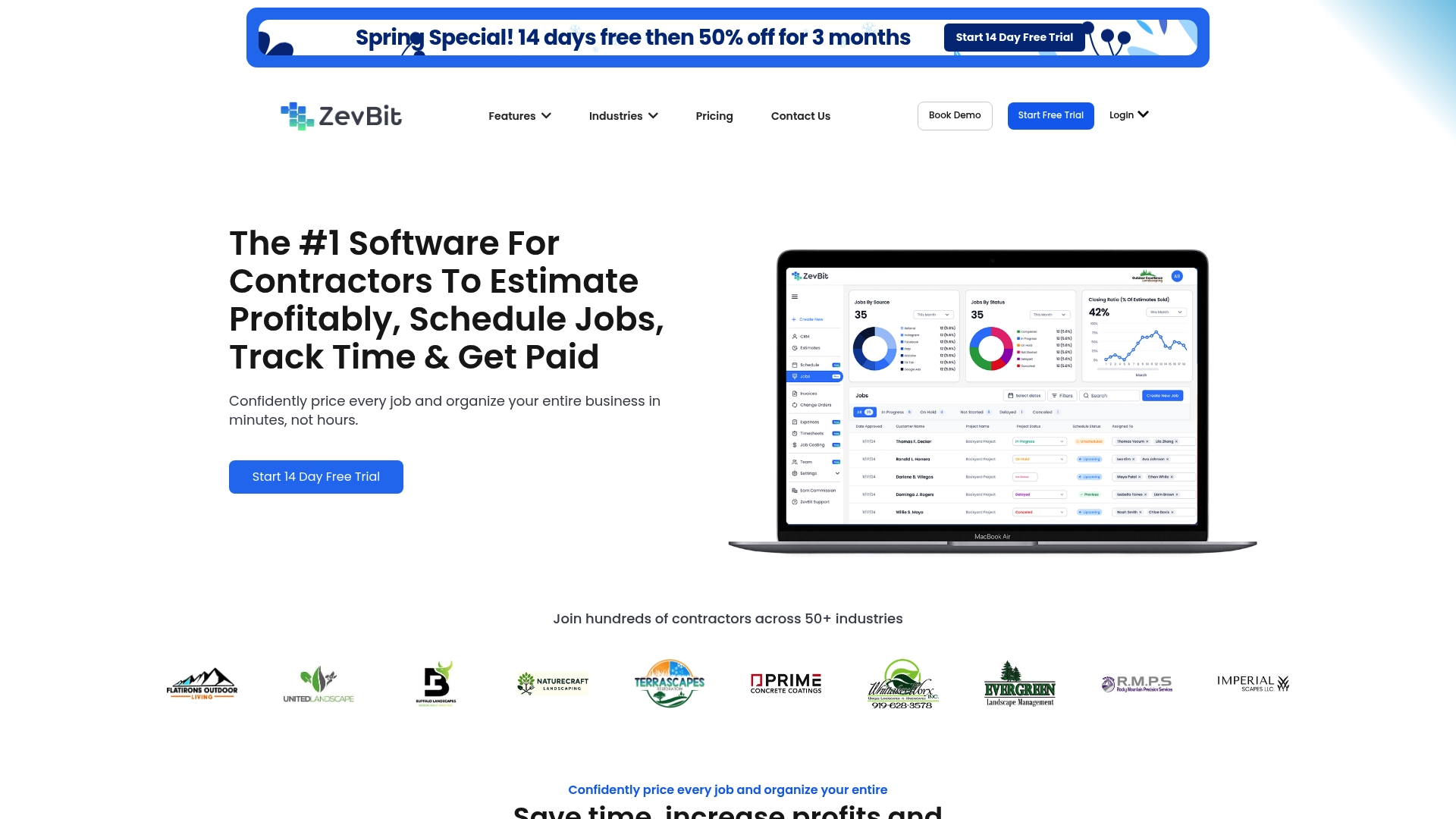
According to the company, plans start at $48.99/month after a promotional 50% off for the first 3 months. ZevBit combines estimating, proposals, scheduling, time tracking, invoicing, and job costing into one product for contractors. The platform targets crews that need field tools and back office financial links in one place.
Core Features
ZevBit builds project bids quickly and turns accepted estimates into branded proposals with e-signatures and client-ready PDFs. The platform includes a GPS-enabled time clock, a drag-and-drop scheduling calendar, expense and budget tracking, change order creation, and a centralized dashboard for job files and photos. It also offers a CRM to store client details and follow-ups while connecting invoices to payment processors.
Key Differentiator
ZevBit bundles field operations and back office accounting into a single construction management workspace. That focus makes it useful for contractors who run crews, manage job costs onsite, and want estimating and invoicing tied to the same job record. This differs from lightweight invoicing tools that prioritize invoice speed over crew scheduling and job profitability.
Pros
ZevBit gives contractors a broad toolset so you can bid, schedule, track hours, and invoice from the same project record. Its mobile apps with GPS tracking improve payroll accuracy for field crews and reduce time disputes. The product integrates with common accounting and payment platforms, offers onboarding support, and includes prebuilt templates for estimates, proposals, and invoices to speed setup.
Cons
- The platform’s extensive feature set creates a learning curve for new users.
- Some third-party reviews report customer support response can be slow at times.
- Mobile offline capabilities are limited, which affects work in areas with poor connectivity.
When It May Not Fit
If your crew frequently works where cell or Wi-Fi service is unreliable, limited offline mobile features will disrupt time tracking and job access. If you only need a single-purpose invoicing app, ZevBit’s broad setup may be more than you need. Small teams without capacity for initial setup may prefer a simpler tool with a shorter onboarding path.
Notable Integrations
- QuickBooks Online
- Stripe
- Square
- Zapier
Who It’s For
Contractors and service businesses that handle estimating, bidding, crew scheduling, and job costing will get the most from ZevBit. The product fits specialty trades such as landscaping, plumbing, electrical, and remodeling companies that need field time tracking tied to invoicing and accounting. It also suits construction companies that want one system for jobs and payments.
Real World Use Case
A landscaping contractor uses ZevBit to create an accurate estimate and send a branded proposal with an e-signature. The crew clocks in with the GPS-enabled mobile app and the office converts the approved estimate into an invoice that accepts card payments. Job expenses and photos stay attached to the project for later profitability review.
Pricing
The vendor advertises plans starting at that price after the promotional discount, with a free trial and onboarding support available. Additional fees apply for add-on features such as invoicing and job costing, depending on the selected plan and optional modules.
Website: https://zevbit.com
Comparison of Alternatives
Choosing between invoicing options requires weighing platform accessibility against specialized feature inclusions. Contractors can evaluate entry-level usability, tax-related compatibility, and project-based features to match their operational needs with the right software.
Accessibility for Entry-Level Billing
Platforms such as invoicely emphasize browser-based invoicing accessible on any device, combined with customization options like language and currency flexibility. This makes invoicely a viable choice for contractors who operate casually and do not require domain-specific tools. Conversely, ZevBit integrates advanced functionality commonly suited for field trades but introduces onboarding complexity, which may not match the ease of entry targeted by invoicely’s design.
Regulatory Compliance and Reporting
InvoHydra excels in supporting compliance with Indian GST through automated functions. Tasks such as generating accurate e-invoices and GSTR reports showcase adherence to local mandates, addressing the needs of region-specific contractors promptly. In comparison, InvoiceLabs focuses on global accessibility, making it less tailored to regional tax requirements.
Integrated Operations for Contractors
ZevBit offers a unified approach combining estimation, scheduling, and invoicing into workflows helpful to contractors managing both team dynamics and client interactions. Its specialized and inclusive dashboards enrich field operations but exhibit a learning curve for users that prioritize simplicity.
Best Fit
- Contractors seeking an intuitive platform to manage multiple business entities without upfront fees benefit most from invoicely’s entry-level and web-based accessibility.
- Indian MSMEs requiring adherence to GST regulations and specific invoicing formats align with InvoHydra’s tax-optimized features and workflows.
- Construction and specialty trade operations requiring connected estimation, tracking, and invoicing prefer ZevBit’s packaged functionality.
Our Pick
invoicelabs.io stands out as the ideal solution for independent contractors needing integrated invoicing across multiple businesses or seeking an affordable entry point to professional financial management. Its universal entry tier provides a balanced starting point for operational needs while maintaining applicability across industries. However, organizations requiring adherence to specific tax regulations would fare better with solutions tailored to regional compliance such as InvoHydra.
Choosing the right invoicing software depends on the specific needs of contractors, such as supported features, pricing, and scalability offered by the platform.
| Product | Best For | Key Feature | Pricing | Limitation |
|---|---|---|---|---|
| Invoicelabs | Managing projects and team workflows | Comprehensive project tracking | Price not published | Limited outside support for growing teams |
| invoicely | Freelancers and small businesses with low budgets | Separate account handling per business | $0–$29.99/month | Free plan limits invoice quantity and client numbers |
| InvoHydra | Indian contractors requiring GST compliance | Built-in GST and tax reporting | ₹0–₹359/month | Focused heavily on Indian market needs |
| ZevBit | Contractors needing field and job management | Unified operations and billing tools | $48.99/month (3 mo. promo) | Extensive features result in a learning curve |
Challenges of Choosing Invoicing Software for Contractors
Contractors often face delays in payment due to slow or complex invoicing processes. Many tools offer multiple features but fall short on speed, real-time tax calculations, or brand consistency. Freelancers and small business owners need a platform that simplifies invoicing without sacrificing professionalism or security.
InvoiceLabs meets these needs by letting you create professional invoices in under 30 seconds. It handles real-time tax calculations and tracks invoice status so you get paid faster. Unlike bulky platforms, it focuses on quick, reliable invoicing tailored for independent contractors, freelancers, and agencies.
Learn more about InvoiceLabs and see how it fits your invoicing software for contractors needs. Try InvoiceLabs today to create your first invoice with instant payment collection via Stripe.
FAQ
How does Invoicelabs support multi-company management for contractors?
Invoicelabs allows contractors to manage multiple companies under a single account. This feature lets users keep client records separate while maintaining ease of access, ideal for freelancers managing various projects. You can start using Invoicelabs’s multi-company support without needing to juggle multiple logins.
What is the difference between Invoicelabs and InvoHydra?
InvoHydra specializes in automated GST reporting and IRN issuance, targeting Indian businesses specifically. Invoicelabs, on the other hand, offers a free entry tier for small businesses globally and focuses more on general invoicing features. Contractors who don’t need GST compliance may find Invoicelabs fits their needs better.
Can I use Invoicelabs if I have a high volume of invoices to issue?
Invoicelabs’s free tier has limitations on the number of invoices and clients you can have. If your firm issues many invoices, you might need to consider upgrading to one of the paid plans for unlimited capabilities. This ensures you have the necessary tools to manage your invoicing without restrictions.
What features does Invoicelabs offer for online payment processing?
Invoicelabs supports online payments through multiple gateways, streamlining the payment process for contractors. This functionality allows users to reduce the time it takes to receive payments, making it practical for small projects. Consider Invoicelabs to simplify your payment acceptance process for client invoices.
How can I customize my invoices using Invoicelabs?
You can customize invoices in Invoicelabs by adding logos and color schemes, which helps maintain a professional appearance. This branding capability is particularly beneficial for contractors wanting to present polished documents to clients. Take advantage of this feature to enhance your invoices and create a lasting impression.
Recommended
Send your next invoice in seconds
Create professional invoices, track payments and get paid faster — free to start.


