Top 6 Invoice Checker Alternatives 2026
Managing invoices, payments, and branding in one place without heavy manual work or confusing workflows remains a challenge for freelancers and small business owners. Many invoicing tools impose strict usage limits, hide advanced customization, or restrict payment and tax features to select regions. This comparison shows how six alternatives fit different invoicing, payment, and branding needs so freelancers, contractors, and small business owners can match options to their workflow.
Table of Contents
- InvoiceLabs
- Invoice Simple
- Invoicely
- Moon Invoice
- Invoxa Invoice Maker
- Abillio
- Comparison of alternatives
InvoiceLabs
At a Glance
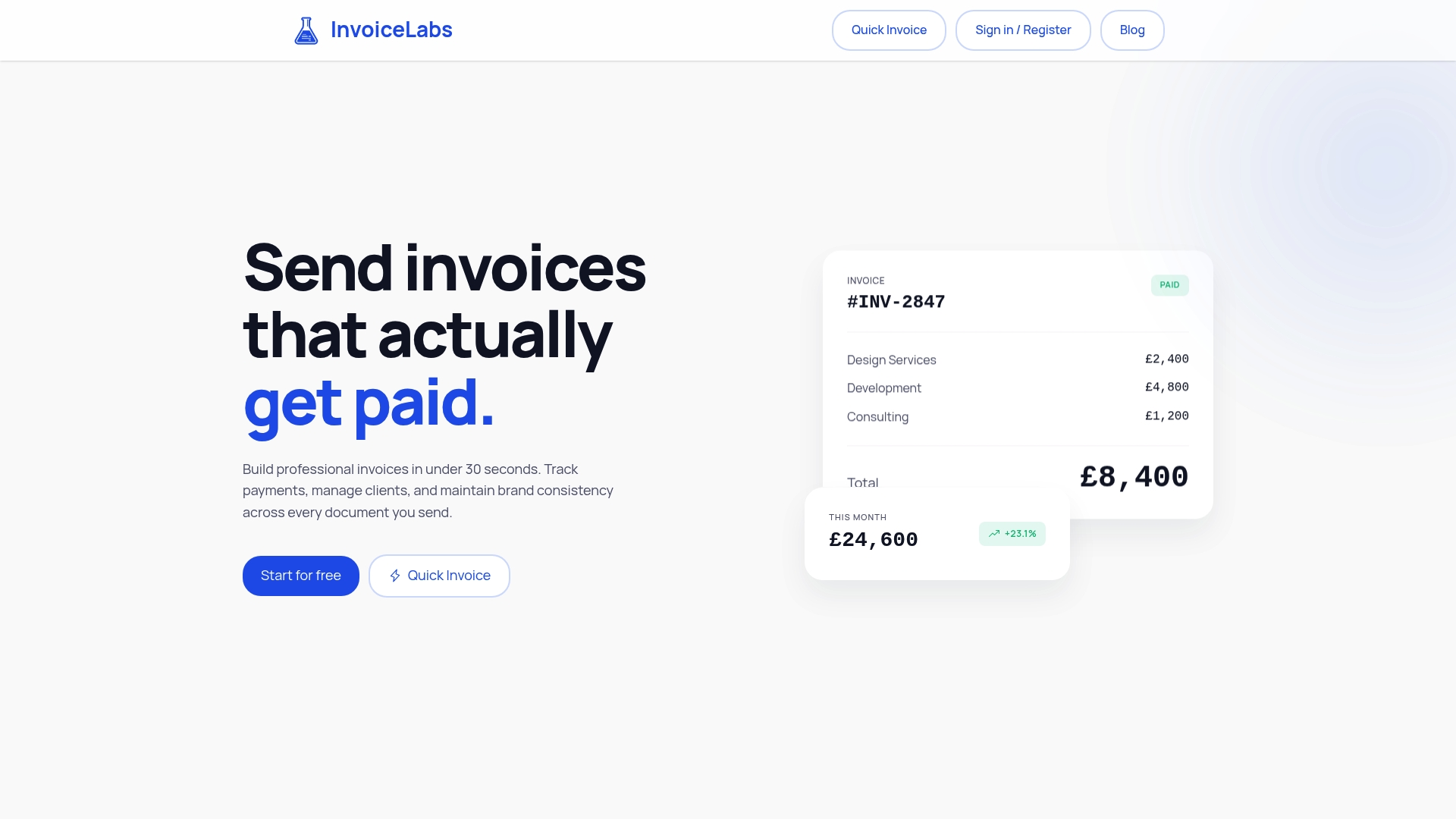
The vendor claims you can create a professional invoice in under 30 seconds. InvoiceLabs combines real-time payment tracking, brandable templates, and multi-currency support for freelancers and small firms. The service advertises bank-grade encryption and says it processes personal data under UK GDPR and the Data Protection Act 2018.
Core Features
InvoiceLabs focuses on fast invoice creation, real-time status updates, and online payment collection via Stripe, with customizable branding and templates that match a freelancer or agency identity. It supports multiple currencies and offers invoices in English, Romanian, and Russian while handling estimates, recurring billing, and expense tracking. Automation tools send reminders and convert estimates into invoices to reduce manual follow up.
Key Differentiator
Fast, craft-oriented invoicing built around real professional workflows paired with strong security controls sets InvoiceLabs apart from simpler invoice builders. That focus shows up in templates that preserve brand consistency and in workflow features for converting estimates and automating recurring charges.
Pros
InvoiceLabs is quick for single-person practices and agencies because the interface prioritizes invoice creation and status visibility. The platform ties payments to invoices via Stripe, which speeds up collections and cuts reconciliation work. Plans range from a free tier to paid monthly plans with no hidden fees and a cancel-anytime policy, giving you a clear upgrade path as your client list grows.
Cons
- Free plan has strict usage caps that limit one invoice and one client per month, which may not suit users with higher volume.
Notable Integrations
- Stripe for online payment collection
- Postmark for transactional email delivery
Who It’s For
Freelancers, solo professionals, and small business owners who need a branded invoicing tool that tracks payment status and reduces bookkeeping friction. Agencies that send frequent estimates and recurring bills will find the brand customization useful. Larger enterprises with complex workflows or heavy integration needs may outgrow the platform.
Unique Value Proposition
Instant payment collection via Stripe ensures invoices can be paid as soon as they arrive in a client inbox. That direct payment path shortens the time between delivery and receipt and removes an extra step in your bookkeeping. For a freelancer converting an estimate into a paid invoice, that flow keeps cash moving and reduces follow up.
Real World Use Case
A freelance graphic designer sends a branded estimate, converts it to an invoice, and enables Stripe checkout on the document. Automated reminders run for overdue items while real-time tracking shows which clients opened and paid invoices. The setup reduces the designer’s admin time and clarifies cash flow.
Pricing
InvoiceLabs offers a free plan and three paid tiers: Starter at £9/month, Professional at £19/month, and Business at £49/month. Paid plans unlock features such as attachments, multiple company profiles, and higher usage limits. The vendor states there are no hidden fees and you can cancel at any time.
Website: https://invoicelabs.io
Invoice Simple
At a Glance
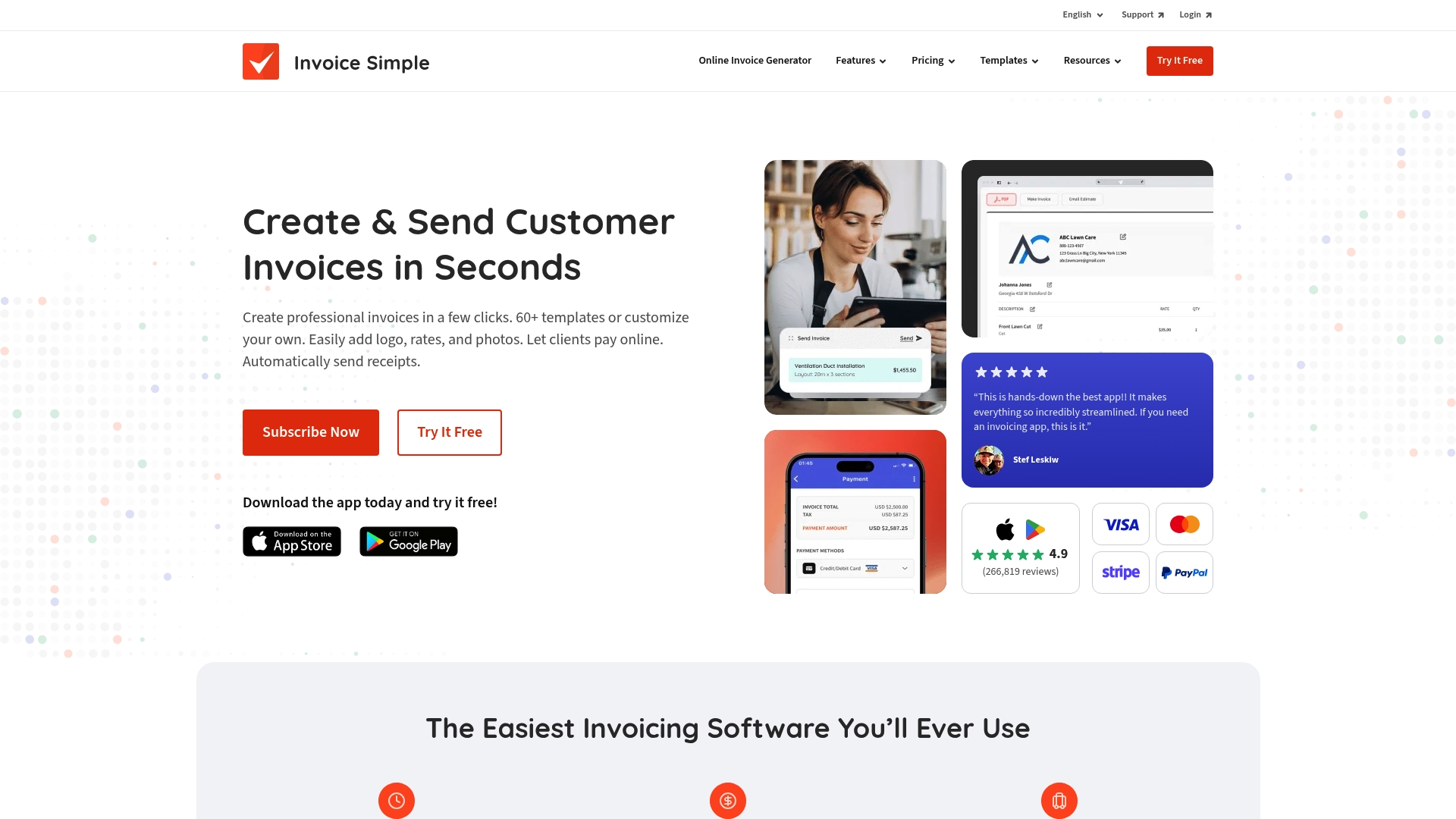
Offers 60+ templates and a mobile app that lets freelancers send invoices immediately after a job. The app accepts credit cards, PayPal, Venmo, ACH transfers in the US, and cash or check. Use this if you want quick, professional-looking billing and basic expense tracking with an invoice checker workflow on the phone.
Core Features
Create invoices from more than sixty templates and apply logos, signatures, photos, and notes to match your branding. Send documents by email, text, or print, and accept payments via credit card, PayPal, Venmo, and ACH transfers in the US. The platform also converts estimates to invoices, scans receipts for expense tracking, and exports simple reports for bookkeeping.
Key Differentiator
The main differentiation is a mobile-first interface that prioritizes speed and ease when creating invoices on the go. That focus makes Invoice Simple a narrower product than InvoiceLabs, which targets users who need real-time tax calculations and instant status tracking. Invoice Simple trades advanced accounting controls for faster mobile invoicing and template-driven documents.
Pros
The interface reduces clicks and keeps invoice creation straightforward, which helps you bill clients quickly from a phone or tablet. The mobile app mirrors web features so you can convert estimates, scan receipts, and collect payments the same way on every device. Multiple payment options increase the chance that clients will pay online instead of sending checks.
Cons
- Frequent price increases have been reported by users, which can frustrate small businesses managing tight budgets.
- Cancellation policies are described as difficult, and some users report friction when trying to stop service.
- Customer support often feels automated and can be slow to resolve account or sync problems.
- Limited advanced customization and occasional bugs reduce reliability for teams that need complex invoice workflows.
When It May Not Fit
If you need deep customization for invoice layouts or advanced accounting controls, this tool may feel restrictive. Teams that require flawless sync across multiple devices might encounter occasional data mismatches. Organizations that expect responsive, human support will likely find the support experience uneven.
Who It’s For
Small business owners, solo contractors, and freelancers who need a fast way to create branded invoices from a phone or tablet. Service providers who want to convert estimates into invoices in a single tap and accept a variety of online payments. Anyone who values speed and mobile convenience over complex accounting features.
Real World Use Case
A photographer uses the mobile app to invoice clients immediately after a shoot, attaches a proof image, and accepts credit card payments on the spot. The same app records mileage and receipts for expenses and exports a simple report for tax time. That workflow keeps billing tied to the session and reduces later bookkeeping work.
Pricing
Not applicable — informational only. Check the vendor website for current plans, payment processing fees, and any promotional offers.
Website: https://invoicesimple.com
Invoicely
At a Glance
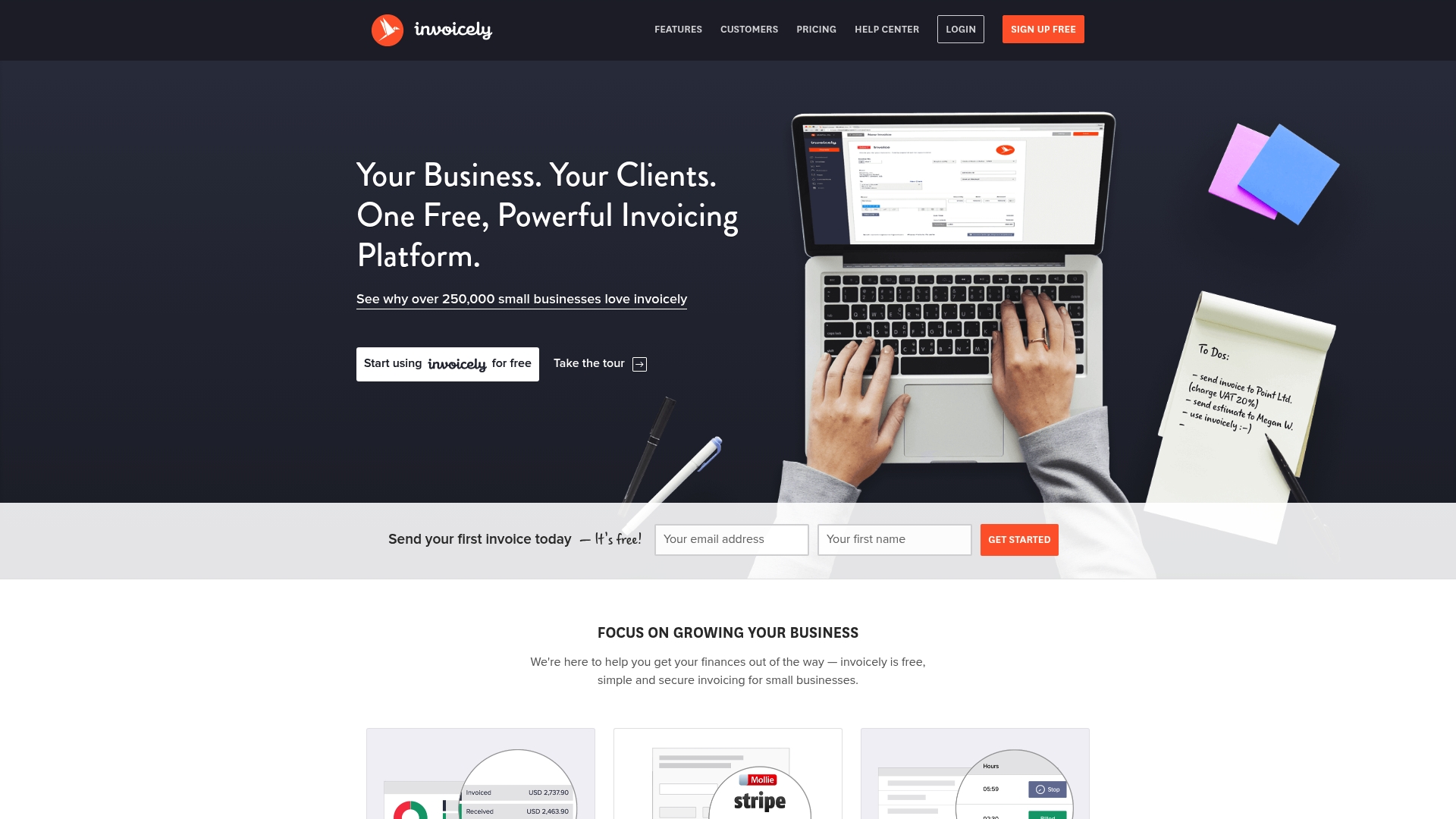
Unlimited, free invoicing is the standout fact here, paired with online payments in multiple currencies. The product also includes time, expense, and mileage tracking plus recurring billing and automatic reminders. Small teams can manage multiple business entities and view basic financial summaries from a mobile device.
Core Features
Invoicely delivers unlimited invoices, online payment acceptance, and multi currency support alongside customizable invoice templates and branding. It tracks time, expenses, and mileage and offers recurring billing with automatic reminders for unpaid invoices. The platform adds multi language support, multi business management, and simple financial reports for quick overviews.
Key Differentiator
The clear differentiator is the generous free plan that supports unlimited invoicing and cross border payments for small sellers and freelancers. Compared with InvoiceLabs, Invoicely skews toward basic billing needs rather than advanced tax or enterprise workflows. That focus keeps the interface simple for solo operators and very small teams.
Pros
The core strength is value for money with a usable free plan that removes invoice limits for low volume sellers. It supports multi currency payments and multiple businesses, which helps freelancers billing international clients and agencies managing separate brands. Mobile app access and built in expense tracking keep billing and reporting possible while you are away from a desktop.
Cons
-
Customer support frequently responds slowly and can be hard to reach.
-
Some users report subscription cancellation problems and unexpected charges after canceling.
-
The free tier lacks several advanced features and has limited customization options.
-
Power users may find the reporting and accounting features insufficient for complex needs.
When It May Not Fit
If you need advanced accounting features or deep tax controls, this product will feel limited. Growing teams that require detailed user permissions and audit trails will outgrow its feature set. Organizations that expect fast, responsive vendor support may be disappointed by support responsiveness issues.
Who It’s For
Freelancers, solopreneurs, and small business owners who want low cost billing and simple expense tracking will get the most from Invoicely. It fits people who bill by project or recurring subscription and who need to accept payments in several currencies. It also suits multi entity small businesses that need separate branding per entity.
Real World Use Case
A freelance graphic designer bills international clients using Invoicely to send unlimited invoices in different currencies. She accepts online payments, tracks project expenses on her phone, and uses the recurring billing feature for retainer clients. Financial summaries let her check cash flow without exporting data to a separate accounting app.
Pricing
Basic invoicing is available for free. Premium plans start at $9.99/month for added features and support for additional team members.
Website: https://invoicely.com
Moon Invoice
At a Glance
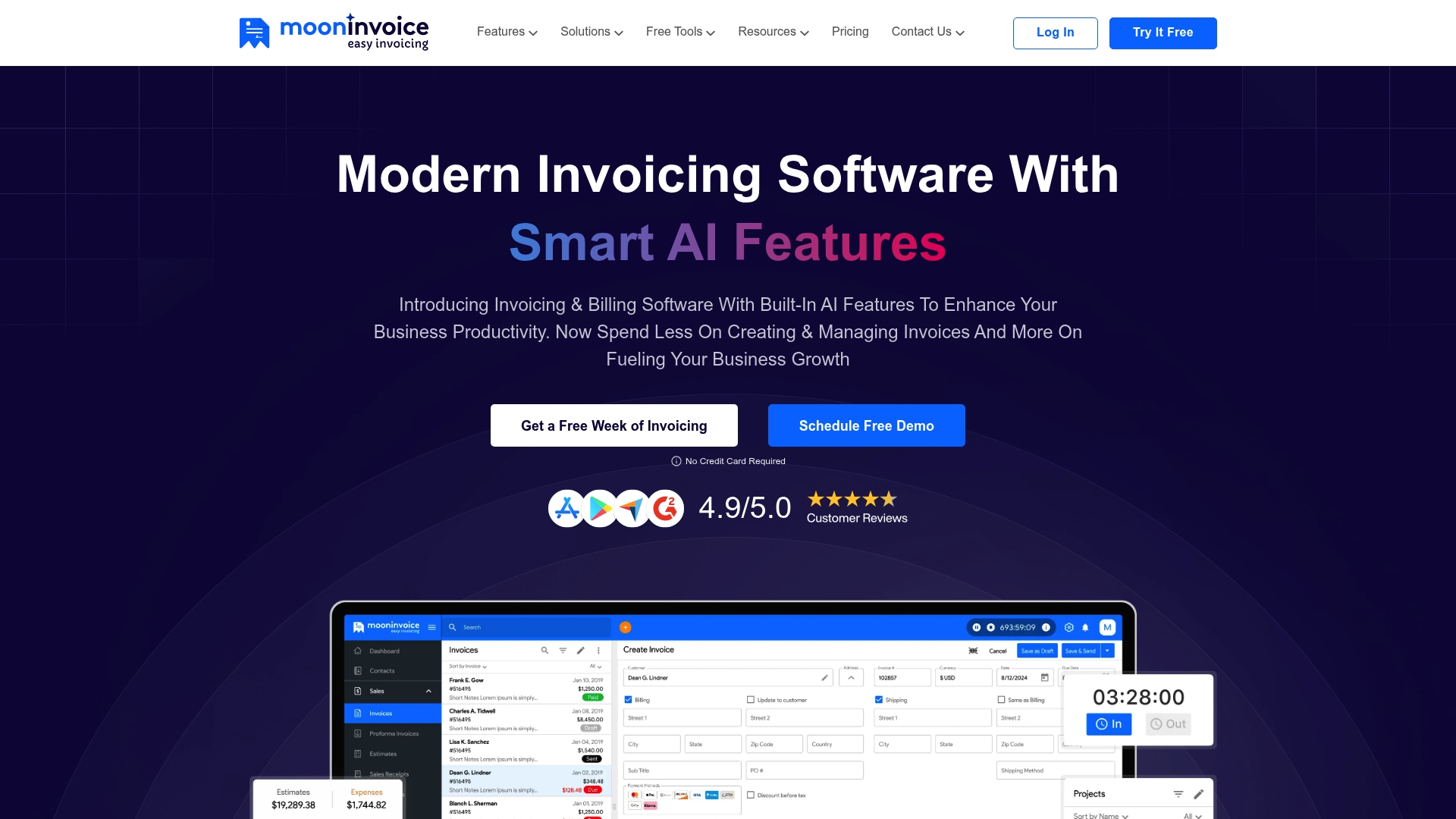
Built in AI features automate receipt scanning and learn billing habits to reduce manual data entry. The product also supports invoices, estimates, purchase orders, credit notes, and expense tracking. Its interface is described as clean and easy to use, and it connects to multiple payment gateways to help you get paid faster.
Core Features
Moon Invoice handles invoicing and billing while also creating estimates and purchase orders. It tracks expenses and time with AI powered automation and offers credit notes and receipt management. Financial reporting and forecasting sit alongside customizable invoice templates and multiple payment gateway connections.
Key Differentiator
The standout element is the built in AI for receipt automation and smart reminders that adapt to your billing patterns. That system reduces manual entry and can lower time spent chasing receipts and unpaid invoices. For freelancers and small teams this behavior learning can cut repetitive work.
Pros
The interface is clean and easy to use, which matters when you have many invoices to manage. The feature set covers inventory support, multi currency billing, and quote to invoice conversion so you can run core finance tasks inside the same app. Automation features such as AI powered receipt management and payment reminders reduce repetitive bookkeeping. Industry specific templates and a wide range of payment gateway connections make accepting payments straightforward.
Cons
- Frequent software bugs and syncing issues have been reported by users, which can interrupt daily workflows.
- Customer support is often described as slow or unresponsive, delaying problem resolution for payment and records issues.
- Advanced customization options for invoices and financial reports are limited compared to specialized reporting tools.
- Some users report data loss or inaccuracies in invoice records, which raises concerns for audits or tight accounting windows.
When It May Not Fit
If you need rock solid synchronization across multiple bookkeeping systems this product may frustrate you. Organizations that rely on fast vendor support or strict audit trails should be cautious given the reported responsiveness and data accuracy issues. If deep, pixel perfect invoice or report customization is a must, look for a product with stronger advanced formatting options.
Notable Integrations
Connects to Stripe, PayPal, Square, RazorPay, Make, and Basecamp for payments and workflow automation.
Who It’s For
Small business owners, freelancers, and consultants who want an easy to use invoicing tool with automation features. It fits people who accept payments through mainstream gateways and value AI assisted receipt handling. Teams that prioritize quick invoice creation and built in forecasting will find practical value.
Real World Use Case
A freelance graphic designer uses Moon Invoice to issue estimates, convert approved quotes to invoices, and track expenses. The designer automates reminders and accepts payments through PayPal to reduce unpaid invoices.
Pricing
Pricing is listed as not applicable and this entry is informational only. The vendor does not present specific tier pricing in the supplied product details.
Website: https://mooninvoice.com
Invoxa Invoice Maker
At a Glance
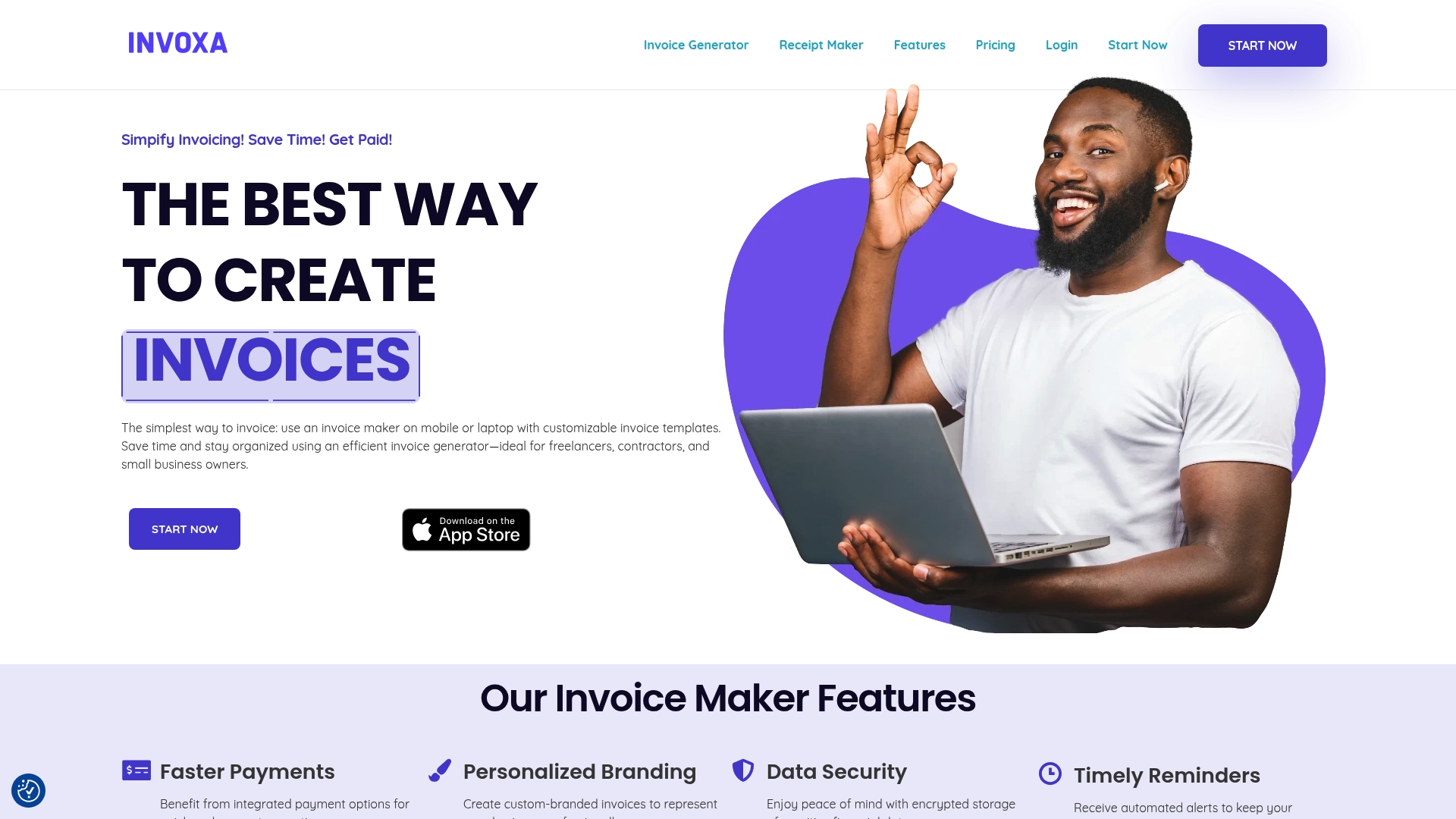
Invoxa reports a 4.9-star rating from 537 App Store reviews, a specific sign users find the interface pleasant and reliable. The product targets freelancers, contractors, and small business owners who need fast invoice creation and clear payment tracking. If you compare alternatives for an invoice checker role, Invoxa focuses on mobile access and automated billing features.
Core Features
Invoxa combines integrated payment options with automated tax calculations and recurring billing so you spend less time chasing payments. The app supports multiple currencies and multiple languages while offering offline access to create and edit invoices without an internet connection. Insightful analytics and customizable templates help maintain brand consistency and give straightforward cash flow visibility.
Key Differentiator
Invoxa centers its pitch on automation plus international support. The platform pairs automated tax calculations, multi-currency transactions, and templated branding in a package aimed at small teams and solo operators. That mix reduces manual steps for cross-border invoicing and keeps invoices consistent across devices.
Pros
Users praise the interface and mobility, which make creating invoices from a phone or laptop quick and repeatable. The product supports international billing, so you can send invoices in different currencies while the app handles common tax calculations. Built-in reminders, offline editing, and recurring billing cut administrative work and help you collect payments faster. Custom templates let you present a branded invoice without design work.
Cons
- Reviews indicate Invoxa needs ongoing updates to retain its ease of use and feature set. This may matter if you expect frequent major releases.
- The company does not publish clear details about a free tier or what advanced integrations are available. That gap makes evaluation harder for teams that need specific connectors.
- Not suitable for very large enterprises that require deep ERP integration or industry specific customizations. The product targets small business workflows.
When It May Not Fit
If your business requires bespoke invoice logic tied into an ERP, Invoxa may not integrate deeply enough. Large finance teams that rely on custom connectors or advanced reporting will likely find the platform limited. Also, if you need a free plan with explicit feature limits disclosed, the lack of published free tier detail could create budgeting uncertainty.
Who It’s For
Freelancers, independent contractors, and small business owners who bill clients directly will get the most value. Designers, consultants, and contractors who invoice across borders benefit from the multi-currency support and automated reminders. Teams that want quick mobile invoicing and clear branding without heavy IT support will appreciate the workflow.
Real World Use Case
A freelance graphic designer sends invoices to clients in three countries. They use customizable templates to keep branding consistent and let recurring billing handle monthly retainers. Automated reminders cut follow up time, and the multi-currency feature simplifies client billing and reconciliation.
Pricing
Pricing is published on the vendor site. Plans appear to be tiered by features and usage and the site lists details for comparing plans and limits. For exact figures and any free tier, consult the website.
Website: https://trygenio.com
Abillio
At a Glance
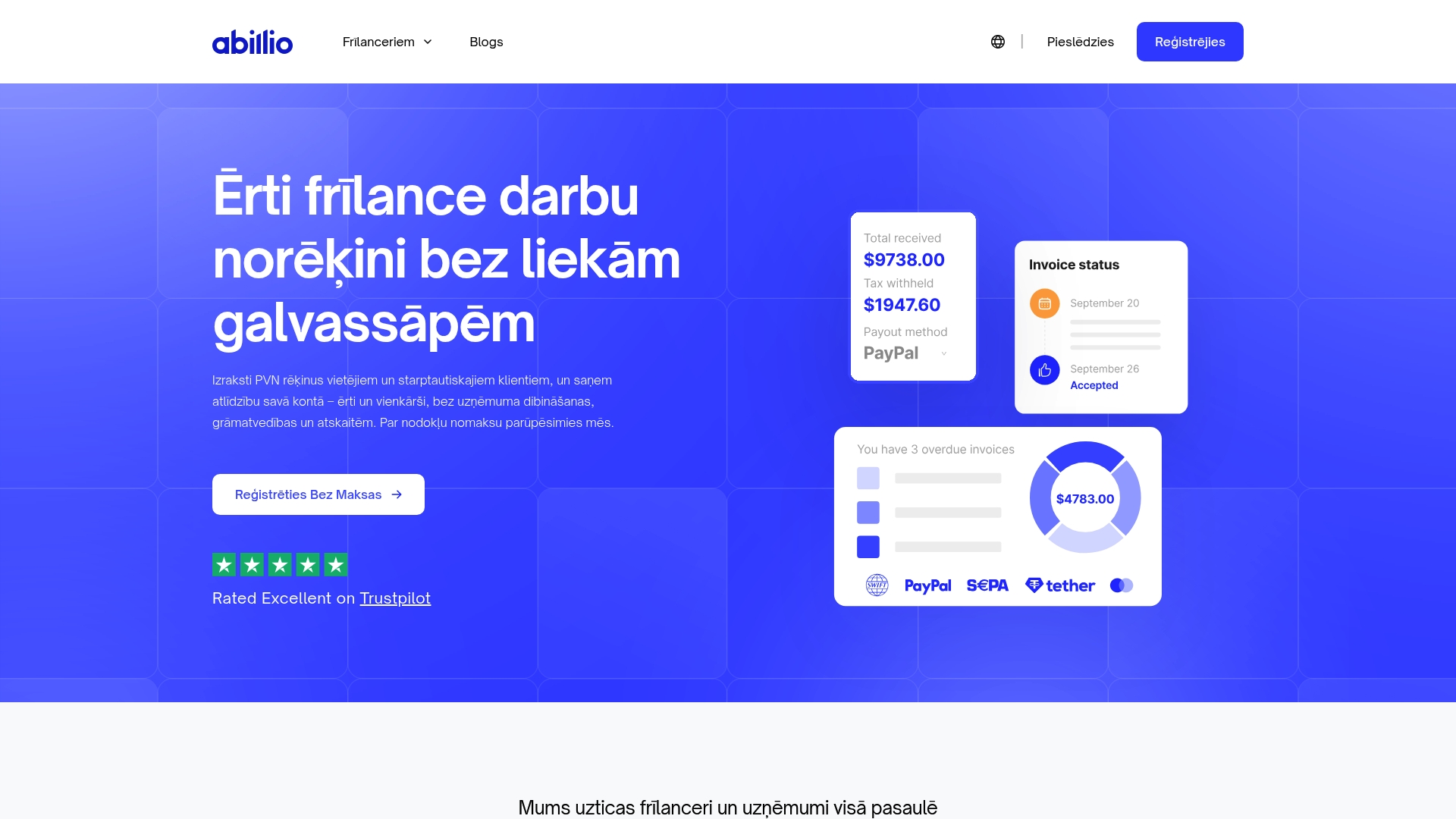
A pay‑per‑use model charges a 5% service fee instead of a monthly subscription. The platform lets freelancers issue VAT invoices in multiple currencies and receive payments without forming a company. Abillio handles tax calculations and remittances for Latvia and Estonia while offering legal document templates and recurring billing.
Core Features
Abillio combines invoicing, payments, contracts, and basic accounting into a single interface so you do not juggle separate tools. You can issue VAT invoices in 8 currencies, send recurring bills, and accept international payments into bank or crypto wallets. The system automates VAT and income tax calculations and offers editable legal templates with digital signature support.
Key Differentiator
Abillio focuses on letting individual contractors bill international clients without company setup. That approach reduces administrative steps for a freelancer who wants compliant invoices, payment collection, and tax filings in one place. For contractors in Latvia and Estonia, the platform includes tax remittance workflows tied to local rules.
Pros
Onboarding is fast; setting up and sending the first invoice takes only a few steps. Many users report helpful and responsive customer support, which shortens the learning curve. The platform lets freelancers operate without registering a company, which lowers administrative cost and legal complexity. Multi‑currency invoicing and automated tax handling reduce manual bookkeeping and the risk of missed remittances.
Cons
- Occasional technical glitches or service interruptions have affected invoice visibility and payment flow for some users.
- Some clients find the invoice display unclear, which can increase back‑and‑forth about amounts and payment steps.
- Payment processing has produced delays or confusing UI states for certain transactions.
When It May Not Fit
Abillio is not a match for large firms that need advanced accounting, complex chart of accounts, or multi-entity consolidation. Its automated tax remittance covers Latvia and Estonia only at present. Companies that require enterprise reporting, audit trails across many entities, or integrations with full ERP suites will find the product too narrow.
Who It’s For
Freelancers and sole proprietors who work with international clients and want to avoid registering a company. Independent contractors who need VAT invoices, simple tax remittance, and an integrated payment path will benefit most. Small online platforms that require pay‑outs to individual sellers without complex payroll also fit this profile.
Real World Use Case
A web developer in Latvia issues VAT invoices to clients in several countries and receives payments directly into a bank account. Abillio calculates VAT, prepares remittance entries, and stores legal templates for contract work. The developer spends less time on paperwork and more time on client projects.
Pricing
Abillio uses a pay‑per‑use model with no fixed monthly fee and a 5% service fee on transactions. There are no listed subscription tiers in the product information. This model suits low‑volume freelancers who prefer variable costs to a standing monthly charge.
Website: https://abill.io
Comparison of alternatives
InvoiceLabs prioritizes professional workflows, contrasting with other tools offering distinct advantages depending on user goals.
Cost Consideration
For users prioritizing affordable solutions with features, Invoicely stands out for offering unlimited invoicing capabilities within its free plan. While InvoiceLabs presents free tier usage caps, limiting one invoice and client monthly, Invoicely accommodates low-volume freelancers and small businesses with these unrestricted options.
Mobile Accessibility
Invoice Simple provides excellence in mobile invoicing, allowing users to issue invoices immediately post-service via its optimized phone interface. Ideal for freelancers working on-site, its mobile app supports features like estimates, expense tracking, and diverse payment acceptance, elements broader than InvoiceLabs for portability-focused workflows.
Best fit
- Professionals keen on real-time payment tracking and preserving detailed branding should choose InvoiceLabs.
- Low-volume freelancers valuing free-tier flexibility find Invoicely’s unlimited invoicing advantageous.
- Freelancers utilizing portable workflows benefit from Invoice Simple’s synchronized mobile features.
- Contractors dealing with global billing and regional compliance gain with Abillio’s automated VAT handling for select countries.
- Businesses needing consistent international invoicing should consider Invoxa Invoice Maker for multi-currency transactions.
Our pick
InvoiceLabs remains the superior option for professionals prioritizing detailed branding and immediate payment tracking. Those with specialized requirements, such as extensive free-tier access or advanced mobile workflow capabilities, may find certain competitors preferable. However, the feature set and streamlined payment visibility underscore InvoiceLabs as the ideal choice for those focusing on efficiency and functionality.
Choosing the appropriate invoicing software depends on features, ease of use, and compatibility with your business needs.
| Product | Key Differentiator | Pricing | Best For | Notable Limitation |
|---|---|---|---|---|
| InvoiceLabs | Designed for freelancers’ workflows | Free tier; paid from £9/month | Freelancers and small businesses | Free tier limited to one invoice per month |
| Invoice Simple | Fast mobile invoicing | Price not published | Mobile-focused professionals | Reports of unpredictable pricing changes |
| Invoicely | Unlimited free invoicing | Free; paid from $9.99/month | International freelancers | Limited support responsiveness |
| Moon Invoice | AI automation for expense tracking | Price not published | Teams desiring AI-powered tools | Software bugs causing workflow disruptions |
| Abillio | Pay-per-use model | 5% transaction fee | International contractors | Limited tax automation regionally |
Managing Invoice Status and Faster Payments With Invoicelabs
Handling the challenge of tracking invoice status and accelerating payment collection is vital for freelancers, solo professionals, and small agencies. Many invoice checkers struggle with delays and manual follow-up that slow cash flow and increase admin time. Invoicelabs solves these pain points by offering real-time invoice status updates, instant payment collection through Stripe, and customizable templates that maintain your brand identity.
Key benefits of Invoicelabs include:
- Create professional invoices in under 30 seconds
- Real-time tracking of invoice delivery and payment status
- Automated reminders to reduce manual chasing
- Multi-currency and multi-language support for international clients
Use Invoicelabs to improve your payment turnaround and reduce bookkeeping friction. Visit the website and test how quickly you can send a paid invoice. Import your client data and see your first branded invoice ready to send in under a minute.
Get started with professional and efficient invoicing today.
FAQ
How quickly can I create an invoice with Invoicelabs?
Invoicelabs allows users to create a professional invoice in under 30 seconds. This speed is a key feature that makes it ideal for freelancers and small businesses needing efficient invoicing. You can start invoicing quickly and focus on your business tasks instead of paperwork.
What is the difference between Invoicelabs and Invoice Simple?
Invoice Simple has a mobile-first interface that prioritizes rapid invoice creation on the go, making it well-suited for freelancers who need to send invoices immediately after jobs. Invoicelabs, on the other hand, offers strong security controls and multiple currency support for users with more complex invoicing needs. Choose based on whether you need a mobile solution or a feature-rich platform for your invoicing.
Can I track payment status with Invoicelabs?
Yes, Invoicelabs features real-time payment tracking, helping you monitor the status of invoices as they are viewed and paid. This feature directly addresses the needs of freelancers and small business owners who want to stay updated on their cash flow. Expect a streamlined invoicing process that minimizes manual follow-up.
What is the pricing structure for Invoicelabs?
Invoicelabs offers a free plan that includes usage caps, with paid plans starting at £9 per month. This range provides flexibility for users as their business needs grow without hidden fees. Keep in mind the limitations on the free plan, which may not support users requiring higher-volume invoicing.
Does Invoicelabs support multiple currencies for billing?
Yes, Invoicelabs supports invoicing in multiple currencies, which is beneficial for freelancers and small companies working with international clients. This feature helps simplify the invoicing process and reduces the complexities of international payments. It allows you to bill clients in their preferred currency effortlessly.
Recommended
Send your next invoice in seconds
Create professional invoices, track payments and get paid faster — free to start.


