Top 5 Cheapest Invoicing Software Alternatives 2026
Creating professional invoices and collecting payments quickly without overspending on tools remains tough for freelancers and small businesses. Many invoicing platforms require paid subscriptions, restrict features on free plans, or lack payment and branding options needed by small teams. This comparison covers price, payment support, and branding tools across five invoicing software alternatives so you can choose the best fit without hidden costs.
Table of Contents
InvoiceLabs
At a Glance
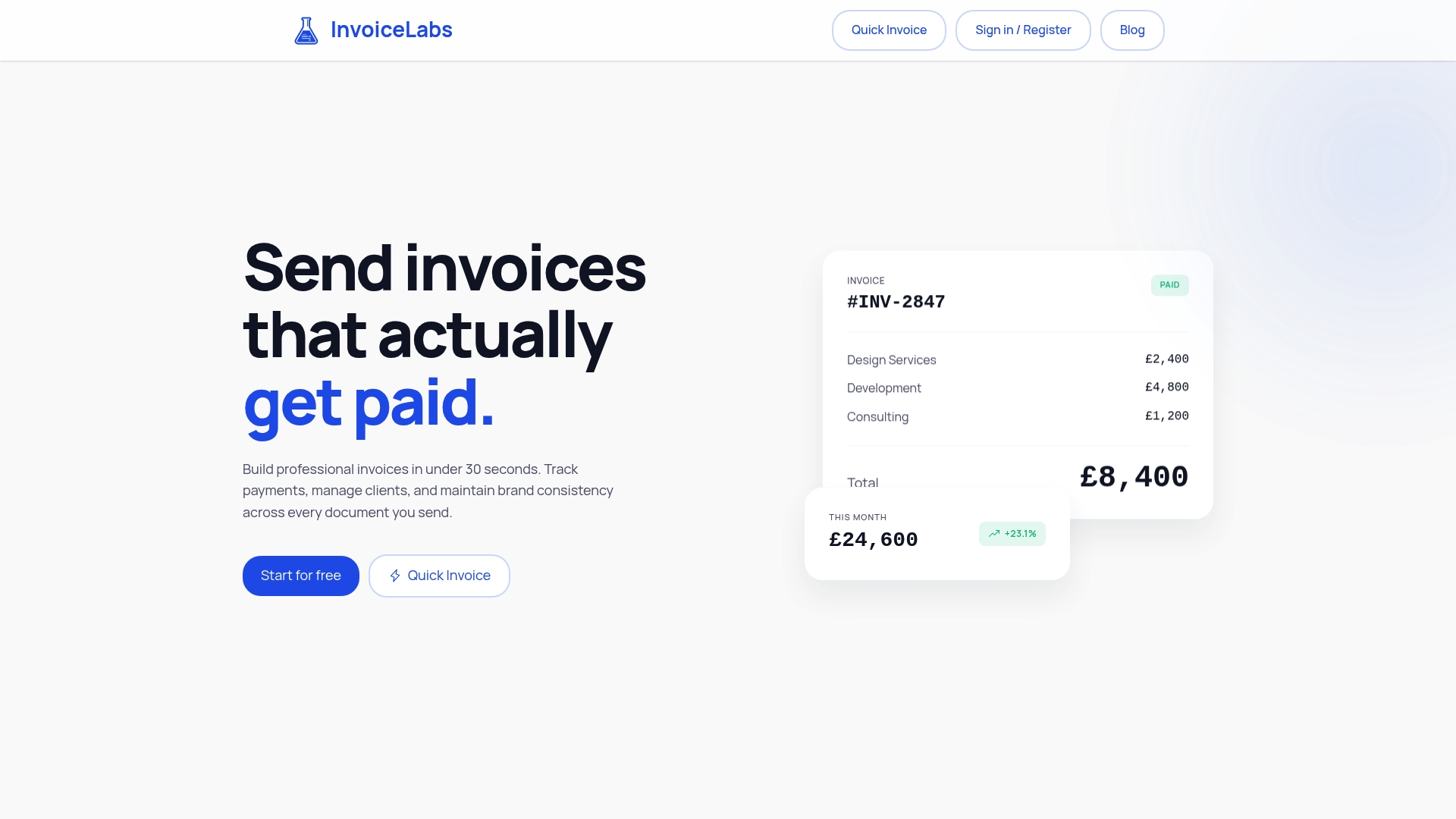
InvoiceLabs reports users can create professional invoices in under 30 seconds. The platform advertises real-time tax calculations, instantaneous delivery, and live invoice status tracking to help close payment gaps faster. It also offers a free tier, Stripe payment collection, and bank-grade security for freelancers and small agencies.
Core Features
InvoiceLabs focuses on rapid invoice creation and payment visibility with tools that let you build branded invoices, send estimates, and convert accepted quotes into bills. You can set up recurring invoices, automatic reminders, and scan receipts while AI fills expense details for you. The platform supports multiple currencies and languages and generates reports on receivables, income, and tax position.
Key Differentiator
Designed specifically for speed and brand customization, InvoiceLabs pairs fast invoice creation with built-in payment tracking and multi-currency support. That combination reduces the time between sending an invoice and seeing its payment status in your dashboard.
Pros
The interface prioritizes quick billing so you spend less time drafting invoices and more time on client work. Built-in Stripe payment processing and real-time status updates mean you can collect payments without toggling between tools. Strong security measures and customizable templates keep documents consistent and protected, and flexible plan tiers accommodate a solo freelancer or a small agency.
Cons
- Free plan restricts invoice creation to one per month and limits you to one client per company.
Notable Integrations
InvoiceLabs integrates with Stripe for online payments. No other integrations are listed in the product data.
Who It’s For
Solo entrepreneurs, freelancers, and small business owners who need fast, branded invoicing with built-in payment collection will get the most value. Agencies that manage recurring billing across multiple clients can use the paid plans to scale templates and reminders. If you want deep integration with many third-party tools, this product may feel limited.
Unique Value Proposition
Real-time tax calculations and instantaneous delivery let you issue a correct, client-ready invoice and have it land in the client inbox immediately. That reduces back-and-forth over tax entries and speeds payment when you pair invoices with Stripe checkout. For small teams, this translates into fewer manual edits and shorter days waiting on receivables.
Real World Use Case
A freelance graphic designer uploads a logo and brand colors, creates a project estimate, and converts it into an invoice after client approval. InvoiceLabs sends the invoice immediately, triggers an automatic reminder, and accepts payment via Stripe, while the designer watches the payment move from outstanding to paid in the dashboard. The result is faster cash flow and less bookkeeping time.
Website: https://invoicelabs.io
ZeeInvoices
At a Glance
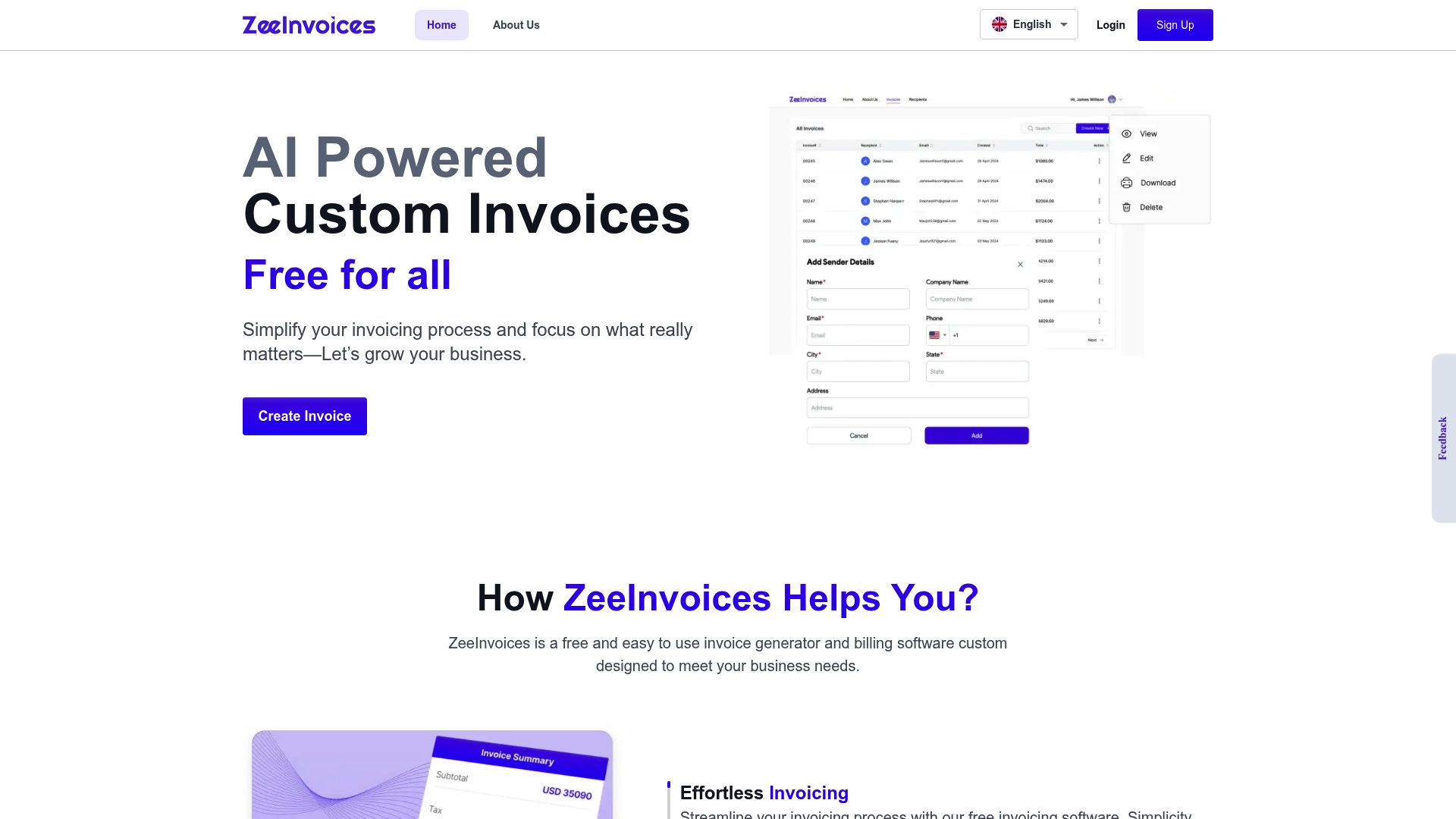
According to the company, ZeeInvoices is free and uses AI to automate invoice creation and reminders. The service targets freelancers and small businesses with mobile friendly access and multi currency support. Its emphasis is on fast invoice generation and professional branding customization.
Core Features
Its core feature set combines online invoice creation with customizable templates and automated payment reminders. The platform includes transaction management and mobile friendly workflows so you can issue invoices and follow up from a phone. It also supports multi currency billing for international clients.
Key Differentiator
The vendor advertises AI powered automation that reduces manual entry and speeds up recurring billing, all at no charge. That claim frames ZeeInvoices as a low-cost option for teams who want automated document generation without extra monthly fees. The focus on quick branded invoices is more narrow than full accounting suites.
Pros
ZeeInvoices makes it easy to produce polished invoices with customizable templates that keep your branding consistent. The interface is fast to use, which cuts time spent on billing and follow up. The product is built for mobile use and for managing transactions while you are away from a desk. Users report secure data handling and reliable storage for invoices.
Cons
- No major user reported flaws appear on large review sites, so public criticism is limited. This lack of negative feedback leaves gaps in independent testing.
- Sparse widespread user feedback makes it hard to judge feature depth across larger teams or complex billing workflows.
- The vendor does not list integrations in the public product data, which may mean extra manual steps for accounting or payment tools.
Who It’s For
Small to medium sized businesses, freelancers, and online merchants who need a zero cost invoicing tool will find this appealing. Choose ZeeInvoices if you prioritize fast invoice creation, mobile access, and simple multi currency billing. Larger firms that need deep integrations or advanced accounting features will likely outgrow it.
Real World Use Case
A freelance consultant uses ZeeInvoices to generate branded invoices immediately after each client call. The consultant sends automated reminders and tracks payment status from a phone, which reduces late payments. That workflow saves several hours of monthly admin time for the consultant.
Website: https://zeeinvoices.com
Invoice Simple
At a Glance
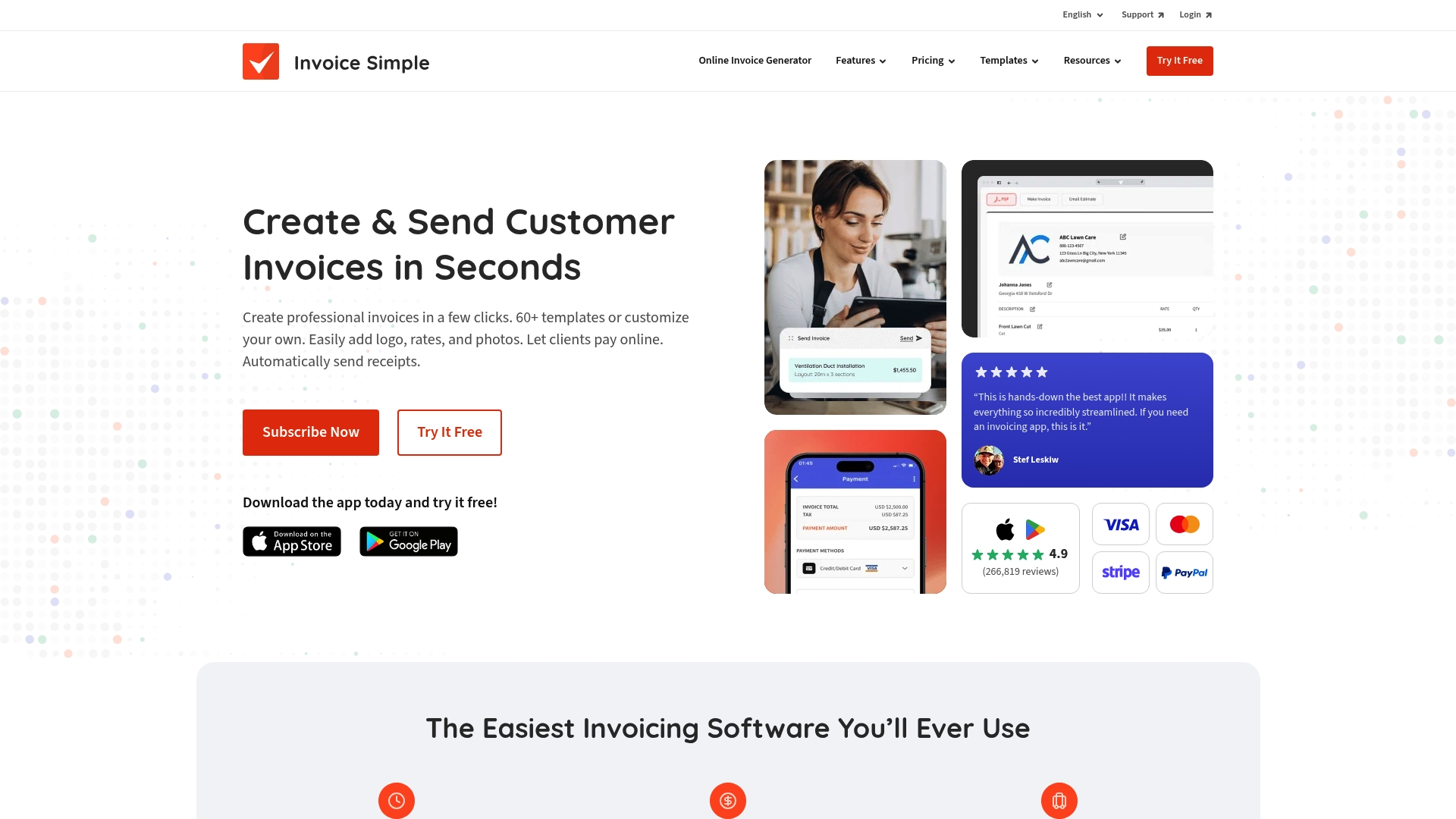
60+ templates let small teams and freelancers send polished invoices without hiring a designer. The app accepts credit cards, PayPal, Venmo, and ACH to reduce friction when clients pay. It converts estimates into invoices in a single tap and shows real time invoice status so you can follow payment progress.
Core Features
Invoice Simple provides mobile and desktop access with a suite of templates you can brand with logos, signatures, notes, and photos. You can accept online payments through major options and convert estimates to invoices in one action. Built-in expense tracking and simple revenue reports give basic financial visibility for solo operators and micro teams.
Key Differentiator
The product focuses on quick, mobile-friendly invoicing that preserves branding across templates and receipts. Its payments support helps reduce the steps between sending an invoice and receiving a payment. That focus on speed and on-the-go use matches businesses that bill right after a job finishes.
Pros
The interface is straightforward, so you can create and send invoices from a phone in minutes. Professionally designed templates let freelancers keep consistent branding with little setup. Built-in online payments and the estimate-to-invoice flow shorten the billing cycle and cut manual edits. Mobile and desktop parity keeps records synchronized across devices for simple bookkeeping.
Cons
-
Frequent price increases have been reported by users, which can erode upfront value for long term subscribers.
-
Invoice limits were added mid-subscription for some customers, and that change affected billing workflows and costs.
-
Customer support experiences are inconsistent across reports, so response time and resolution quality vary.
-
The product lacks advanced automation and automatic data import, which limits use in higher volume or complex workflows.
When It May Not Fit
If you need automatic data import or complex workflow automation, this product will feel limited. Businesses with very high invoice volume may find invoice limits and tiered pricing restrictive. Teams that rely on fast, hands-on support should test support quality before committing.
Who It’s For
Small business owners, solo service providers, and freelancers who bill clients in the field will benefit most. It suits people who want branded invoices, basic expense tracking, and quick payment acceptance. Larger firms that require complex automation or high throughput will likely outgrow it.
Real World Use Case
Jesse, a Toronto photographer, uses Invoice Simple to bill clients immediately after events. He creates an estimate, converts it into a final invoice with a single tap, and adds photos and a signature. Accepting online payments reduces follow up and speeds payment for his multi person team.
Pricing
Pricing starts at $6.99/month for the Essentials plan. The vendor lists Plus and Premium tiers that add additional features and higher limits. Full feature breakdown by tier is not publicly listed in the product summary here.
Website: https://invoicesimple.com
Jogaz
At a Glance
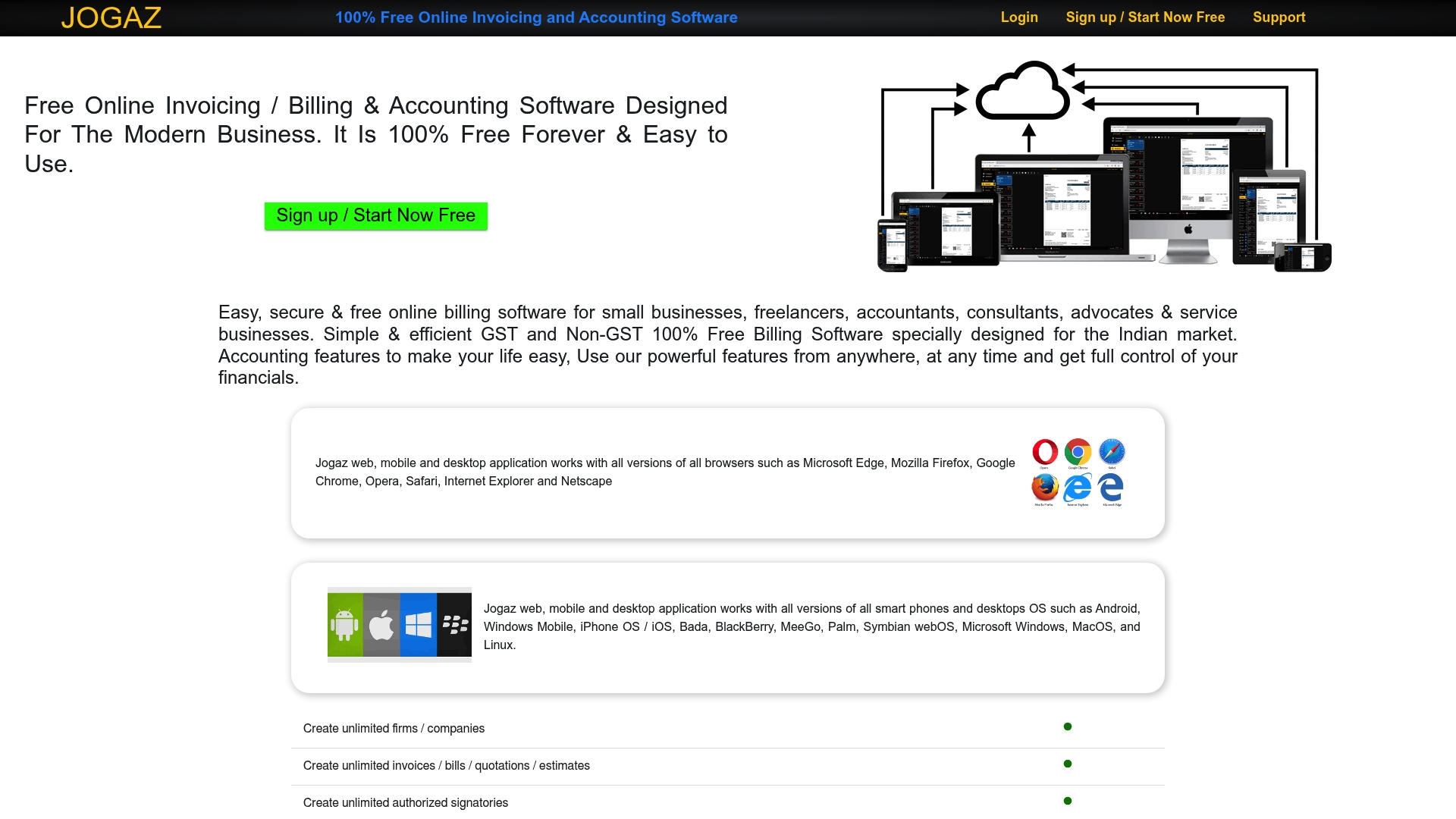
Jogaz advertises that it is 100% free forever with no limits on the number of firms or invoices. The product targets Indian businesses and includes GST features for SGST, CGST, and IGST. It also runs on web, mobile, and desktop so you can access records from anywhere.
Core Features
Jogaz supports unlimited companies, invoices, bills, quotations, purchase orders, delivery challans, and credit and debit notes while keeping tax math automatic. The platform provides GST compliant invoicing with separate SGST, CGST, and IGST calculations and includes customizable invoice templates with logos, colors, and terms. Real time financial reports cover balance sheets, profit and loss, and cash flow statements.
Key Differentiator
The standout angle is that free promise combined with a clear focus on Indian tax rules. That free promise plus native GST handling makes Jogaz an option for small firms that must file GST returns without buying a paid accounting package. The emphasis on unlimited records steers it toward volume workflows at a low cost.
Pros
The biggest practical strength is the cost model and record limits. Because of that free promise, you can run multiple companies without adding subscription seats. Core accounting features include inventory tracking, automated tax calculation, and professional invoice customization, which reduce manual entry. Access from web and mobile means you can create invoices on site or while working remotely and still generate reports for GST filings.
Cons
-
Limited third party integrations. The vendor lists no specific external integrations, so you may need manual exports for payroll or CRM sync.
-
Interface and feature depth are basic compared with enterprise accounting software. Power users will notice gaps in advanced reporting.
-
Some buyer reviews report issues with complex scenarios or advanced reporting needs. That suggests more elaborate workflows may require another tool.
-
Requires an internet connection because it is cloud based.
When It May Not Fit
Large enterprises that need consolidated multi entity reporting or advanced audit trails will outgrow Jogaz. Teams that rely on deep integrations with payroll, time tracking, or CRM systems will find limited connectors. Firms needing advanced custom reports or highly specialized tax logic may require an on prem or enterprise grade package.
Who It’s For
Small business owners, freelancers, and accountants in India who want basic accounting and GST compliant invoicing with no subscription fees. Retailers and service providers who track inventory and sales and do not need complex integrations will benefit. Freelancers who want mobile access and simple branding for invoices will find the platform useful.
Real World Use Case
An Indian freelance graphic designer creates GST compliant invoices on site using a smartphone. They track expenses and sales, attach branding to invoices, and generate quarterly GST returns from the same account. The mobile access lets them bill clients immediately after completing work and keep purchase records for filings.
Website: https://jogaz.com
Handl
At a Glance
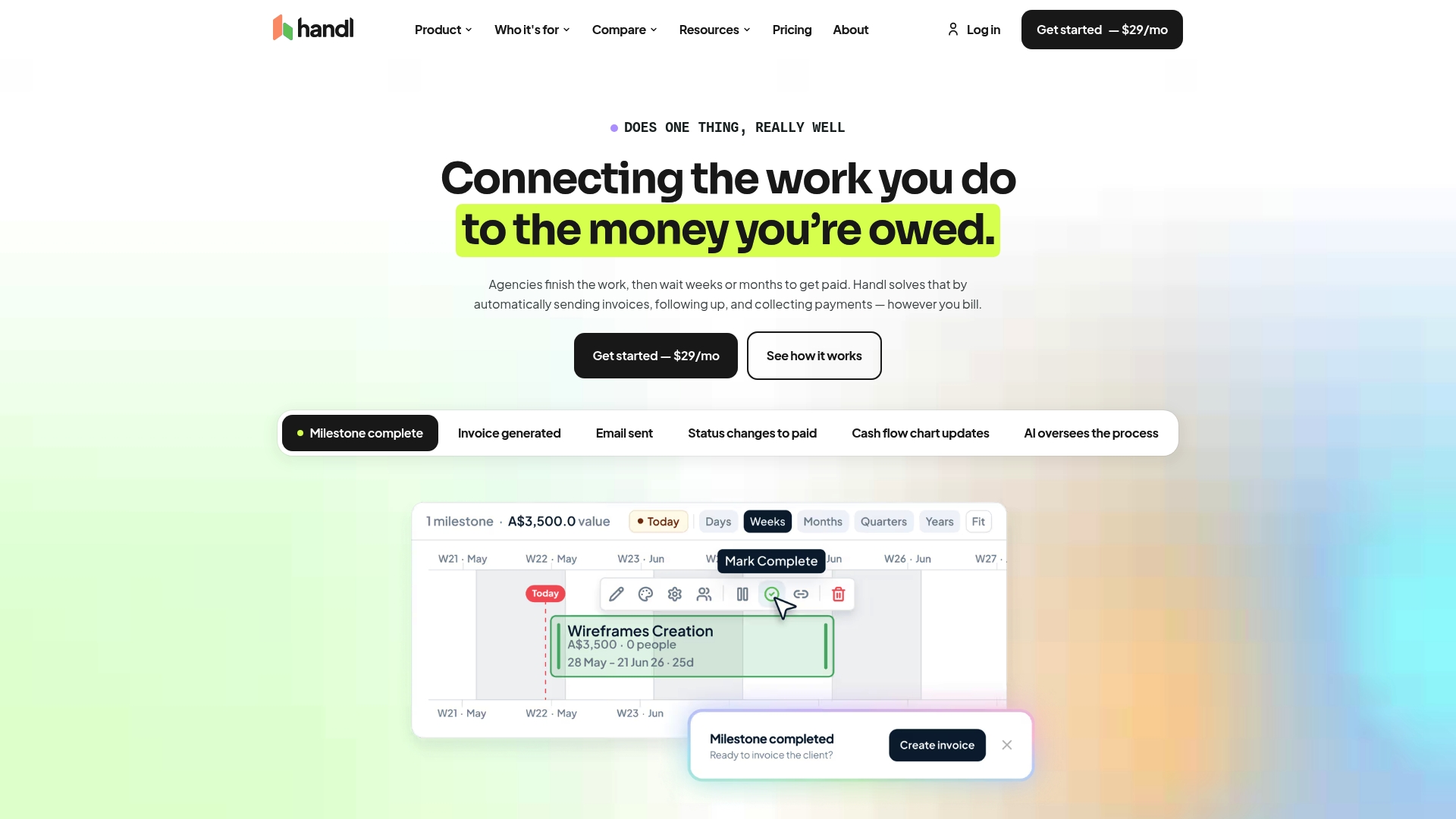
Work completed in your project tracker triggers automatic invoicing, payment reminders, and one-click client payments. Handl ties milestones and scope changes to invoices, so billing follows actual delivery rather than manual entry. The platform also reports cash flow forecasting and scope creep tracking to help agencies spot payment risk earlier.
Core Features
Handl links project activity to billing and then generates invoices and reminders automatically, with a branded client portal for payments and visibility. It connects to major project trackers and accounting systems while offering scope creep tracking and cash flow forecasts derived from invoices and payments. The service includes an AI billing agent that handles follow ups and payment nudges.
Key Differentiator
Handl connects work completion in existing project management tools directly to automatic invoicing and collection. That direct link closes the gap between delivered work and money received without forcing teams to move projects into a new platform.
Pros
Handl reduces manual billing tasks by triggering invoices from completed work and sending automated reminders, which cuts the time teams spend chasing unpaid invoices. Its integration model preserves existing workflows by connecting to both project management and accounting tools so teams do not need to migrate data. The client portal and branded pay links make it easier for clients to pay, and the flat tier pricing keeps costs predictable as teams grow. Built in AI for reminders and follow up further reduces administrative load on account managers and owners.
Cons
- Automation focus means the platform may not replace advanced project management or full accounting suites. Users who need deep PM features will still use their current tool.
- Limited customization for complex billing arrangements can frustrate teams with unusual contract terms or bespoke invoicing rules.
- Integration coverage is narrower than some large platforms, and deeper accounting syncs and additional connectors remain in development.
When It May Not Fit
If your business relies on highly customized billing rules or unusual contract billing flows, Handl may require workarounds. Agencies that need an all in one project management and accounting bundle will still need separate tools. Teams requiring immediate, broader integrations beyond the listed connectors should plan for future connector rollouts rather than an out of the box fit.
Notable Integrations
Handl lists integrations with Monday.com, Asana, Jira, Linear, Harvest, Toggl Track, Stripe, Xero, MYOB, and QuickBooks. These connections cover common project tracking time capture and payment pipelines used by digital agencies and freelancers.
Who It’s For
Small to mid sized digital agencies, freelancers, and productized service providers who want billing to follow work completion. It fits teams that already use a project tracker and an accounting package and prefer to keep those tools. Owners who want less manual chasing of invoices will benefit most.
Real World Use Case
A digital marketing agency connects Handl to its project board and accounting system. When a milestone moves to done, Handl creates the invoice, updates scope records, and sends a branded payment link to the client. The agency sees its cash flow forecast update as invoices are paid, and account managers spend less time on reminders.
Pricing
Handl lists pricing from $29/month with an additional 0.5% fee on card payments and 0.25% on bank payments, plus Stripe fees. The pricing model uses flat tier pricing that scales with team size rather than per user charges.
Website: https://getahandl.com
Comparison of alternatives
Selecting the most suitable invoicing software requires weighing design simplicity, automation features, and payer experience integration among various options available. We analyzed five platforms—InvoiceLabs, ZeeInvoices, Invoice Simple, Jogaz, and Handl—to highlight the strengths and tradeoffs each offers for freelancers and small business owners.
User interface and operational efficiency
InvoiceLabs excels in user-friendly features that streamline the creation and branding of invoices. It delivers quick results with a focus on customization. Alternatively, Handl reduces manual involvement by automating invoicing based on project milestones and linking payment reminders. Meanwhile, Jogaz simplifies financial management in India by integrating GST compliance into all core functions. These unique features reflect the tailored priorities of each platform towards their target audiences.
Payment and billing features
Stripe integration in InvoiceLabs enables immediate receipt of payments, enhancing cash flow efficiency. Invoice Simple, by accepting PayPal and Venmo, diversifies its payment methods for clients in different regions. However, Handl’s emphasis on cash flow forecasting and tracking project billing gives agencies a distinct advantage when managing multiple projects simultaneously. Each platform supports varying levels of payment processing integration based on the business requirement.
Best fit
- Solo entrepreneurs and freelancers working internationally who value branded invoices and fast payment processing should consider InvoiceLabs.
- Indian businesses prioritizing GST compliance along with unlimited invoicing should select Jogaz for its localized accounting support.
- Agencies requiring automated invoice workflows tied directly to project management tools will find Handl more effective for their operational needs.
- Freelancers needing simplified, immediate invoicing capabilities through platforms like PayPal or Venmo should try Invoice Simple.
- Cost-conscious small businesses desiring zero-cost invoice management can rely on ZeeInvoices for efficient and mobile-friendly billing.
Our pick
InvoiceLabs ensures faster closing of payment gaps with its integrated, real-time invoice tracking capabilities. While others in this comparison excel in automation or regional requirements, InvoiceLabs balances simplicity and speed effectively for freelancers and small businesses. For entities emphasizing automation or specific regional support, alternatives should be explored based on need.
To assist in selecting the ideal invoicing platform, the table below outlines key features and distinctions allowing for an informed choice.
| Software | Primary Feature | Key Differentiator | Pricing | Notable Limitation |
|---|---|---|---|---|
| Invoicelabs | Fast invoice creation | Real-time tax calculations | Free tier available | Free plan allows one invoice and client per month |
| ZeeInvoices | AI-powered automation | Zero cost with automated billing | Free | Sparse user feedback and no listed integrations |
| Invoice Simple | Mobile-friendly invoicing | Pre-designed templates | Starts at $6.99/month | Inconsistent customer support and lacks advanced automation |
| Jogaz | GST compliant invoicing | Free with unlimited usage | Free | Limited to Indian tax systems, manual integrations required |
| Handl | Automated invoicing linked to projects | Scope-driven billing sync | From $29/month | Limited customization for complex billing rules |
Finding Affordable Invoicing Software That Fits Your Needs
Many freelancers and small business owners struggle with invoicing solutions that slow down their payment process. The main challenge is creating professional invoices quickly while tracking payments and taxes accurately. Invoicelabs solves these problems by enabling users to make branded invoices in under 30 seconds with real-time tax calculations and live status tracking.
Invoicelabs offers secure, speedy invoicing with built-in Stripe payment processing. This helps freelancers and agencies reduce the gap between sending an invoice and receiving payment. Explore how Invoicelabs provides a fast, reliable way to manage invoicing without hidden fees or complex tools.
Try Invoicelabs today to create your first invoice instantly and watch your cash flow improve with real-time updates and immediate delivery.
FAQ
How quickly can I create an invoice with Invoicelabs?
Invoicelabs allows users to create invoices in under 30 seconds. This speedy invoice generation helps freelancers and small agencies save time and focus more on their work. Consider trying Invoicelabs for a fast invoicing solution.
What is the main difference between Invoicelabs and ZeeInvoices?
ZeeInvoices is a free tool that automates invoice creation using AI, which reduces manual entry. Invoicelabs, on the other hand, provides real-time tax calculations and instantaneous invoice delivery, making it more suitable for those who require immediate payment processing. If you need fast branded invoicing, Invoicelabs could be the better choice.
Can I use Invoicelabs for recurring invoices?
Yes, Invoicelabs offers the ability to set up recurring invoices, which can reduce the friction of billing repeat clients. This feature, along with automatic reminders, makes it easier to manage multiple client invoices efficiently. Utilize this feature to streamline your invoicing process.
What limitations does Invoicelabs have for free users?
The free plan of Invoicelabs restricts users to creating only one invoice per month and limits them to one client per company. This may not be sufficient for freelancers or small agencies that have a higher volume of work. Consider upgrading for additional capabilities, especially if your invoicing needs grow.
What payment options does Invoicelabs support?
Invoicelabs integrates with Stripe for online payment collection, allowing users to accept payments easily and securely. This integration simplifies the payment process for freelancers and small businesses alike, leading to quicker cash flow. Explore this integration if you prioritize seamless payment collection.
Recommended
Send your next invoice in seconds
Create professional invoices, track payments and get paid faster — free to start.


