Best Invoice Templates for UK Freelancers in 2026
Best Invoice Templates for UK Freelancers in 2026

The best invoice template is the one that includes everything HMRC expects, looks like your business and takes the least effort to send. For one-off or occasional invoices, a free Word, Excel or Google Docs file does the job. Once you invoice every week, an online template that calculates VAT, delivers instantly and shows whether the client has opened it will save you time and help you get paid sooner. Below we compare the main options, list what a UK invoice must show, and explain when to move on from a downloadable file.
TL;DR
- Word, Excel, Google Docs and PDF templates are free and fine for a handful of invoices a month, as long as they carry the details GOV.UK requires.
- Excel suits you if you want formulas to total and track invoices. Google Docs suits you if you work in a browser and share links.
- Check any template for a unique invoice number, your details, dates, a description, the amount owed and, if you are VAT-registered, your VAT number.
- Online templates add live tax calculation, instant delivery and status tracking. InvoiceLabs has a free plan and paid plans from £9 per month.
Table of Contents
- What makes an invoice template “best”
- What a UK invoice must include
- The best invoice template options compared
- Free invoicing software versus a plain template
- How to brand a template without hurting readability
- When to move from a template to invoicing software
- Perspective
- Try a better template for free
- Choosing the right option for you
- FAQ
- Sources
What makes an invoice template “best”
Most lists of templates rank them by looks. Looks matter, but a pretty template that leaves out a legal detail causes slow payment and awkward emails from a client’s accounts team. We judge a template on five things:
- Legal completeness. It has a place for every detail a UK invoice needs, including VAT fields if you are registered.
- Calculation. It totals lines, discounts and VAT without you reaching for a calculator.
- Branding. You can add a logo, colours and payment details without wrecking the layout.
- Delivery and tracking. You can send it quickly and know what happened to it.
- Cost. The price is clear, including anything charged on payments.
A static file only covers the first three, and only if you set it up carefully. That is not a criticism: for many people it is all they need.
What a UK invoice must include
Before you pick a design, check it has room for the required information. GOV.UK sets out that an invoice needs:
- a unique identification number
- your name, address and contact details
- the customer’s name and address
- a clear description of what you are charging for
- the date of the supply and the invoice date
- the amount of each charge, VAT if applicable, and the total owed
There are small differences by business type. Sole traders must give their own name and any business name they trade under, and if you use a business name you also need to give an address where legal documents can be delivered. Limited companies must use the name on the certificate of incorporation, and if the invoice names any directors, it must name all of them (same GOV.UK page).
Extra detail on VAT invoices
If you are VAT-registered, a full VAT invoice has more to show. HMRC’s guidance on VAT invoice details lists a sequential invoice number, your VAT number, the supply and issue dates, the customer’s details, a description and quantity of goods or services, the unit price, the VAT rate and the amount excluding VAT for each item, any cash discount offered, and the total VAT payable in sterling. It also covers references needed for margin schemes and reverse charge supplies.

That is a lot to maintain by hand. If it is your situation, our guide to the mandatory fields on a UK VAT invoice goes through each one, and the guide to payment terms examples helps you write the wording that sits at the bottom.
The best invoice template options compared
Here is how the main routes compare for a UK freelancer or small business.
| Option | Format | Best for | Calculates totals and VAT | Delivery and tracking | Cost |
|---|---|---|---|---|---|
| Word template | .docx, PDF export | Occasional invoices, simple jobs | No, you type totals | Manual email | Free |
| Excel template | .xlsx, PDF export | Invoicing with formulas | Yes, with built-in formulas | Manual email, status column | Free |
| Google Docs template | Browser, PDF export | Working from any device | No | Manual email or link | Free with a Google account |
| Canva-style design tools | Design file, PDF | Highly designed invoices | No | Manual | Free or paid tiers |
| InvoiceLabs | Online, PDF download | Regular invoicing, getting paid faster | Yes, in real time | Instant delivery, live status | Free, or £9, £19 or £49 per month |
Word invoice templates
Word is the default for many freelancers because everyone has it and the layout is easy to bend to your needs. A UK-focused page such as Business Accounting Basics offers a free sales invoice in Word, Excel, Google Sheets and PDF, with VAT and non-VAT versions. Its Word file can also be opened in Google Docs, and you can personalise it with your logo, payment details and payment terms.
The weak point is arithmetic. In Word you type every figure, so one slip in a VAT line goes straight to the client. Use Word when you send a few invoices a month and each one is simple.
Excel and Google Sheets templates
If you want the sums done for you, a spreadsheet is the sensible free upgrade. Microsoft’s invoice templates for Excel are editable, include formulas that calculate totals and let you monitor invoice status. You can export an invoice as a PDF or create a OneDrive link, and the templates work in Excel for the web. The Business Accounting Basics Excel version calculates VAT automatically, which is exactly what you want on a UK invoice.
Spreadsheets also double as a simple log of what you have sent. The cost is discipline: you have to update the status column yourself, and each new invoice means copying a file and changing the number.
Google Docs invoice templates
Google Docs includes a free invoice template in its template gallery, available to free Google accounts and Workspace accounts. It has a header, a bill-to block, an itemised table and a total, and you can export it as a PDF to email to the client. It suits freelancers who work across several devices and do not want to install anything.
Like Word, it does not calculate VAT for you, so check totals before you send.
Designed templates from Canva and similar tools
If your brand matters, you may be tempted to design an invoice in a graphics tool. That works for a studio with a strong look, but keep the layout plain where it counts: invoice number, due date, amount and bank details should be the first things a client sees. Fancy typography that hides the amount due slows payment instead of impressing anyone.
Online templates with InvoiceLabs
An online invoicing platform turns the template into a working tool. With InvoiceLabs you can create a professional invoice in under 30 seconds, and the figures update as you type: tax and discounts calculate in real time. You can add your logo and colours, work in multiple currencies, download a PDF, send the invoice instantly and watch its status. You can even create a quick invoice without an account using the free invoice generator.
It also offers templates tailored by profession, which saves you writing line-item descriptions from scratch:
If you are a photographer who also needs paperwork on the booking side, a wedding photography contract sets out what to agree with clients before the invoice ever goes out.
Free invoicing software versus a plain template
Searches for free invoicing apps and PDF invoice makers usually mean the same thing: you want something free that looks professional. Wave and Zoho Invoice are two names that regularly come up among free invoicing tools, and spreadsheet and document templates remain the zero-cost baseline. Whichever you choose, ask the same questions before relying on it:
- Is the free plan limited? Look at caps on clients, invoices or companies.
- Is VAT handled? Check whether it supports the UK VAT rates and shows your VAT number properly.
- How does payment work? Some tools only produce a document. Others let the client pay by card, usually with a processing charge.
- What happens when you grow? Check the monthly price of the next tier, and what it unlocks.
Our own plans are laid out openly. Free costs £0 per month, Starter is £9 per month, Professional is £19 per month and Business is £49 per month. Paid plans unlock additional clients and companies and unlimited invoices. Card payments on invoices through Stripe carry a 1% fee, and we do not add hidden fees. For a wider look at the market, see our comparisons of invoicing software for freelancers and top invoicing software for small businesses.
How to brand a template without hurting readability
A branded invoice makes you look established, and clients tend to take a well-presented invoice seriously. A few rules keep branding from getting in the way:
- Logo top left, small. It should not push the invoice number and total down the page.
- One or two colours. Use your brand colour for headings and the total, and keep body text dark on white.
- Payment details in a box. Account name, sort code, account number and reference should be easy to find and copy.
- Payment terms in plain words. State the due date, not just “30 days”.
- Export as PDF. A PDF keeps your layout intact on any device and is harder to alter accidentally.
In a template file you do all this manually and must remember to keep it consistent from one invoice to the next. In InvoiceLabs the logo and colours are saved once and applied to every document, so every invoice looks the same.
When to move from a template to invoicing software

A downloadable template is a good place to start. The question is when the admin begins to cost more than software would. One UK consultant, Lilach Bullock, describes a Word-and-spreadsheet setup that worked at five or six invoices a month, then broke down at about 22 a month with several VAT treatments, leading to a double-invoiced client and a £1,400 payment missed for six weeks. Her rule of thumb is that manual invoicing tends to stop working somewhere around 15 to 20 invoices a month, or when you are chasing three or four overdue payments at once. That is one person’s experience, not a universal threshold, but the pattern will be familiar to many freelancers.
Signs it is time to switch:
- You copy and paste an old invoice and sometimes forget to change the number or date.
- You are not sure which invoices have been opened or paid without checking your bank.
- You invoice in more than one currency or at more than one VAT rate.
- You spend part of every week chasing money. If so, our four-step escalation ladder is worth keeping to hand.
- You work with several clients on projects, as agencies and creative studios do.
If cash flow is the problem, faster invoices help directly. Sidekick Accounting, a UK specialist for creative agencies, argues that slow invoicing makes cash flow unpredictable because agency income is tied to project milestones.
Perspective
We built InvoiceLabs around a simple observation: the invoice is the last step of the job and the first step of getting paid, and most freelancers treat it as an afterthought. A template file looks free, but you pay for it in minutes: retyping client details, rechecking VAT, saving PDFs, emailing them, then wondering whether anyone has opened them.
Our view is that a template should do the work, not just hold the layout. That is why we focus on creating an invoice in under 30 seconds, calculating tax and discounts as you type, delivering instantly and showing the status of each invoice. Fewer steps between finishing the work and the client seeing the invoice means fewer delays in getting paid.
We also think branding is part of professionalism. Your logo and colours should be set once and appear on every invoice, in every currency, without you touching a layout. Add card payments through Stripe at 1%, bank-grade security and no hidden fees, and the invoice becomes a way to be paid, not only a document.
Black Flame Digital
Try a better template for free
You do not have to commit to anything to see the difference. The free plan costs £0 per month, and our quick invoice tool lets you create an invoice without making an account.
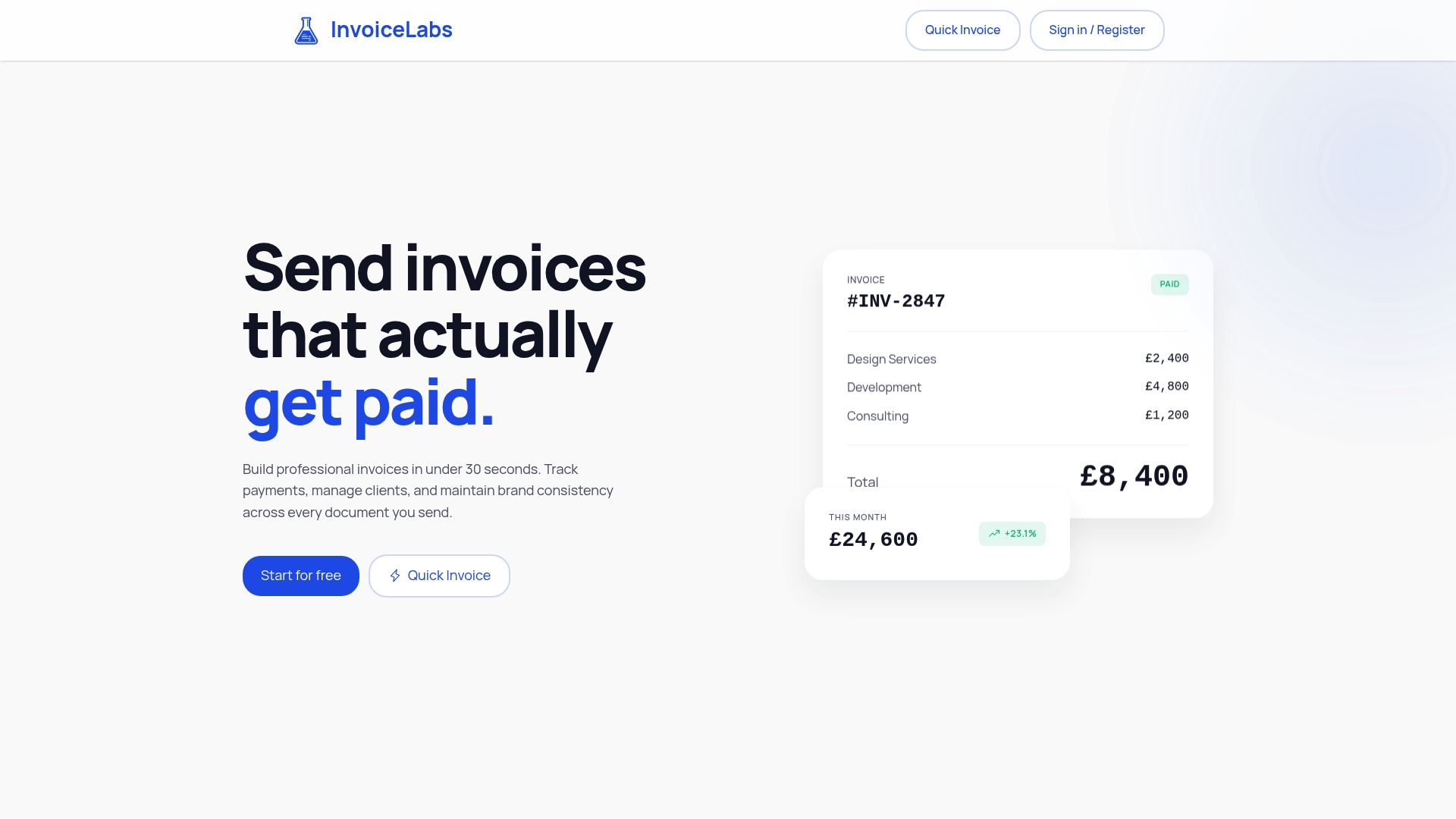
If you are ready to try it, start with the free invoice generator or look at the Free, Starter, Professional and Business plans. Paid plans start at £9 per month when you need more clients, companies and unlimited invoices.
Choosing the right option for you
- You send a few invoices a year: a Word or Google Docs template is enough. Check the legal fields and export to PDF.
- You send a few invoices a month and want automatic sums: use an Excel template with formulas, and track status in a column.
- You are VAT-registered and send invoices regularly: use a tool that calculates VAT and shows your VAT number, so you are not retyping the same fields each time.
- You are a freelancer or agency chasing payments: choose online invoicing with delivery tracking and card payments, so clients can pay straight away. Our billing and invoicing guide covers the wider process, and the guide to invoicing for services rendered shows how to word the line items.
FAQ
Are free invoice templates legally acceptable in the UK?
Yes, as long as the invoice contains the details GOV.UK requires, such as a unique number, your name and address, the customer’s details, a description, dates and the amount owed. The template itself is only a layout. If you are VAT-registered, it must also meet the VAT invoice requirements, including your VAT number and the VAT rate and amount.
Which format is best for a downloadable invoice template?
Excel is best if you want formulas to total your invoices and VAT. Word and Google Docs are easier to restyle and suit simple jobs. Whatever you edit in, send the client a PDF so the layout stays fixed.
Do I need a different template for each profession?
You do not need one, but a template written for your trade saves time because the line items and wording are already suited to your work. InvoiceLabs offers templates for photographers, graphic designers and web developers, among others.
Can I send an invoice without creating an account?
With InvoiceLabs, yes. The free invoice generator creates a quick invoice without an account. If you want to keep clients, track status and collect card payments, the free plan gives you an account at £0 per month.
How much does it cost to take card payments on an invoice?
With InvoiceLabs, card payments on invoices are processed through Stripe and carry a 1% fee. There are no other hidden fees on top of the monthly plan you choose.
Sources
- Invoicing and taking payment from customers: what invoices must include (GOV.UK)
- VATREC5010: VAT invoice details (HMRC internal manual)
- Free sales invoice template including VAT, non-VAT, PDF (Business Accounting Basics)
- Free invoice templates in Excel (Microsoft)
- The best free invoice template for Google Docs (Googally)
- How many invoices can you realistically send before switching software (Lilach Bullock)
- Best invoice automation tools for agencies and freelancers (Sidekick Accounting)
- What must a wedding photography contract in the UK include?
Recommended
Send your next invoice in seconds
Create professional invoices, track payments and get paid faster — free to start.