How to Add a Pay Now Button to Your Invoices
How to Add a Pay Now Button to Your Invoices

The simplest way to add a Pay Now button is to send invoices from a platform that has online card payment built in, rather than pasting code into a PDF or a website page. With InvoiceLabs, card payments run through Stripe, so the client can pay online from the invoice you send, and you can watch its status change as it happens. The rest of this guide covers what a Pay Now button does, what to set up before you add one, the steps in order, and the mistakes that leave invoices unpaid.
TL;DR
- A Pay Now button turns an invoice from a request into a payment page: the client clicks, pays by card and you see the result.
- The Small Business Commissioner reports that pay now buttons on invoices help businesses get paid up to twice as fast.
- The most reliable setup is an invoicing tool with payments built in, because the button, the amount and the paid status stay in one place.
- InvoiceLabs takes card payments through Stripe, with a 1% fee on card payments on invoices and a free plan to start.
- Keep checkout short, show clear payment terms and test the flow on a phone before you send it to a client.
Table of Contents
- What a Pay Now button actually does
- Why the button works better inside the invoice tool
- Before you add a button: five decisions
- How to add a Pay Now button: step by step
- Keep the payment experience simple
- What a button cannot fix
- Your plan options in one view
- Add your first Pay Now button today
- Our perspective
- FAQ
- Sources
What a Pay Now button actually does
A Pay Now button is a link on your invoice, styled as a button, that takes the client straight to a secure page where the invoice amount is already filled in. They choose a payment method, confirm it and the money is on its way to you. There is no bank details to copy, no reference to type wrongly and no separate step of telling you they have paid.
That matters because most late payment is not refusal. It is friction. A client who has to open the PDF, find your sort code, log in to online banking and type a reference will often do it “later”. A button removes every one of those steps. The Small Business Commissioner’s Fair Payment Code blog (3 April 2026) reports that pay now buttons on invoices help businesses get paid up to twice as fast, and notes that businesses using Stripe can offer payment by credit and debit card, Apple Pay, Google Pay, Tap to Pay and Pay by Bank.
There are two things people mean when they search for this:
- A button on an invoice. The client receives your invoice by email or link and pays from it. This is what freelancers, consultants and agencies usually need.
- A button on a website. A visitor pays for a product or a fixed-price service from a page. This suits shops and productised services.
This guide is about the first, because that is where late payment hurts service businesses most.
Why the button works better inside the invoice tool
You can add a payment button in two broad ways. You can generate button code somewhere else and paste it into an invoice template or web page. Or you can use an invoicing platform where the payment option is part of the invoice itself.
The pasted-code route has a hidden cost: the button and the invoice do not know about each other. The amount is typed twice, so a typo means the client pays the wrong sum. When the client pays, someone has to open another dashboard, find the payment and mark the invoice as paid by hand. If you send a PDF, the button may not work at all in the email client or the PDF viewer your client uses.
When payment is built into the invoice, the amount, tax and discount come from the invoice itself, the delivery is instant, and the status updates when the client pays. That is the design InvoiceLabs follows: real-time tax and discount calculations, instant delivery, live status tracking and Stripe card payment in one workflow. For a one-person business, that is the difference between chasing and not chasing.

Before you add a button: five decisions
A button is only as good as the setup behind it. Settle these first and the rest takes minutes.
1. Who gets paid, and into which account
The FSB (Federation of Small Businesses) lists a business bank account among the basics for taking payments online. Keeping client money in a separate business account also makes your bookkeeping and tax return far simpler. Decide which account the payouts should land in before you connect anything.
2. Which payment methods your clients expect
The FSB recommends accepting the major debit and credit cards, with options such as Apple Pay, Google Pay or bank transfer where they suit your customers. A consultant billing large companies may find that card is enough. A tradesperson billing homeowners will find that wallet payments on a phone get used a lot.
3. What it costs you per payment
Every online card payment carries a processing cost. The MerchantHQ UK gateway comparison reports typical online transaction rates of 1.4% to 2.9% plus 20p to 30p, with monthly fees from £0 to £60 or more depending on the provider. It also warns that comparing on the headline percentage alone is the most common mistake: chargeback fees, international card surcharges and platform fees all belong in the picture.
With InvoiceLabs the published fee for card payments on invoices is 1%. The subscription is separate and starts at £0 on the Free plan, so you can see the full cost of collecting an invoice before you send one.

4. How you will keep the client’s card details safe
You should never handle card numbers yourself. The FSB points to PCI DSS compliance (the card industry’s security standard) and an SSL-secured site as part of taking payments safely. A hosted payment page run by Stripe means the card details go to the payment provider, not through your inbox or your PDF. InvoiceLabs describes its security as bank-grade, and card payments are processed through Stripe.
5. What your payment terms say
A button speeds up paying, but it does not tell the client when payment is due. Put the due date and any late-payment terms on the invoice itself. Our guide to invoice payment terms examples has wording you can adapt for freelancers and small businesses.
How to add a Pay Now button: step by step
Step 1. Set up your invoicing account
You can start without an account: the free invoice generator lets you create a quick invoice with no sign-up. If you invoice regularly, create an account so that your clients, company details and past invoices are saved. The Free plan costs £0 per month with limited usage. Starter is £9 per month, Professional is £19 per month and Business is £49 per month, and the paid plans unlock additional clients, companies and unlimited invoices.
Where it goes wrong: people set up payments last, after the invoice is already sent. Connect payments first, so the very first invoice a client receives can be paid online.
Step 2. Connect card payments through Stripe
InvoiceLabs collects card payments through Stripe, the payment provider. Connecting it is what lets your invoices accept online payment. Have your business details and the bank account for payouts to hand.
Where it goes wrong: connecting a personal account when you trade as a business, or using different names on the invoice and the payout account. Clients notice mismatched names on a card statement and sometimes query the charge, which delays payment.
Step 3. Build the invoice with your branding
Add your logo and colours, the client’s details, line items, and any tax or discount. The platform calculates tax and discounts in real time, so the total the client sees is the total they pay. Choose a template that suits your profession, so the layout matches what your clients expect to see.
Branding matters for payment as well as appearance. A client is more willing to pay through a link when the invoice clearly looks like it came from you. If you want the full routine, how to create an online invoice fast walks through the layout and the details every invoice needs.
Where it goes wrong: vague line items. “Consulting, October” invites a query. “Pricing workshop, 12 October, 3 hours” does not. A query is a delay, and a button cannot fix a delay caused by confusion.
Step 4. Choose the currency
If you bill overseas clients, set the currency on the invoice. InvoiceLabs supports multiple currencies, so a client in another country sees the amount in the currency you agreed rather than a conversion they have to work out themselves.
Where it goes wrong: invoicing in pounds by default to a client who budgets in euros or dollars. Agree the currency in the contract, then match the invoice to it.
Step 5. Send it so the client can pay in one click
Send the invoice by email directly from the platform. Delivery is instant, and the client can pay online from the invoice. You can also download a PDF copy for your records or for clients who need one for their accounts team. If your client’s finance team processes invoices from a shared inbox, these invoice email examples show how to word the message so it is dealt with quickly.
Where it goes wrong: sending only a PDF attachment and leaving out the payment link. The PDF is for the client’s records. The link is how they pay. Make sure the email points to it clearly in the first line.
Step 6. Track the status and act on it
Once sent, you can follow the invoice status rather than guessing. When the card payment goes through, you will see it, with no manual matching of bank lines to invoice numbers. If an invoice sits unopened, you know to follow up, and you know to do so with a polite message rather than a surprise.
Where it goes wrong: treating the button as a replacement for follow-up. It removes friction; it does not remove the need for a reminder when a due date passes.
Keep the payment experience simple
The FSB advises keeping checkout simple, because too many steps or confusing options lead to abandoned payments, and testing the flow on desktop and mobile. That applies to a Pay Now button as much as to a shop. Before your first live invoice, send one to yourself or a friend and pay it from your phone. Check that the amount is right, the branding is clear and the confirmation arrives.
It is also worth knowing what your client will see at the point of paying. Under UK rules on strong customer authentication, UK Finance explains that when a payer initiates an electronic payment online they may be asked for extra verification, and that the authentication code must be linked to the specific amount and payee. In practice the client may be asked to approve the payment in their banking app. That is normal and protects them, so mention it in your email if your clients are not used to paying online: “you may be asked to confirm in your banking app” saves a confused reply.
For more on making payment easy for the person on the other end, read about the client payment experience.
What a button cannot fix
A Pay Now button speeds up clients who intend to pay. It works best alongside three habits:
- Clear terms. State the due date on the invoice and in your contract, not only in your head.
- Prompt invoicing. The sooner the invoice goes out after the work, the sooner it is paid. Creating an invoice in under 30 seconds removes the excuse to batch them at month end.
- Consistent follow-up. Check the status, then send a short reminder the day after the due date.
Trades and project-based businesses in particular benefit from combining these. Our guide on how to speed up invoice payments covers the routine in detail.
Your plan options in one view
| Plan | Price | Best for |
|---|---|---|
| Free | £0 per month | One-off invoices and trying the workflow |
| Starter | £9 per month | Freelancers with a handful of regular clients |
| Professional | £19 per month | Consultants and growing practices |
| Business | £49 per month | Agencies handling several clients and companies |
Card payments on invoices carry a 1% fee on each payment. Prices are as published on the InvoiceLabs site in November 2026.
Add your first Pay Now button today
If you want to see how fast this can be, open the free invoice generator and build an invoice in under 30 seconds, with your logo, your colours and tax worked out for you. When you are ready to take card payments through Stripe and track every invoice, pick the plan that fits on the InvoiceLabs pricing page.
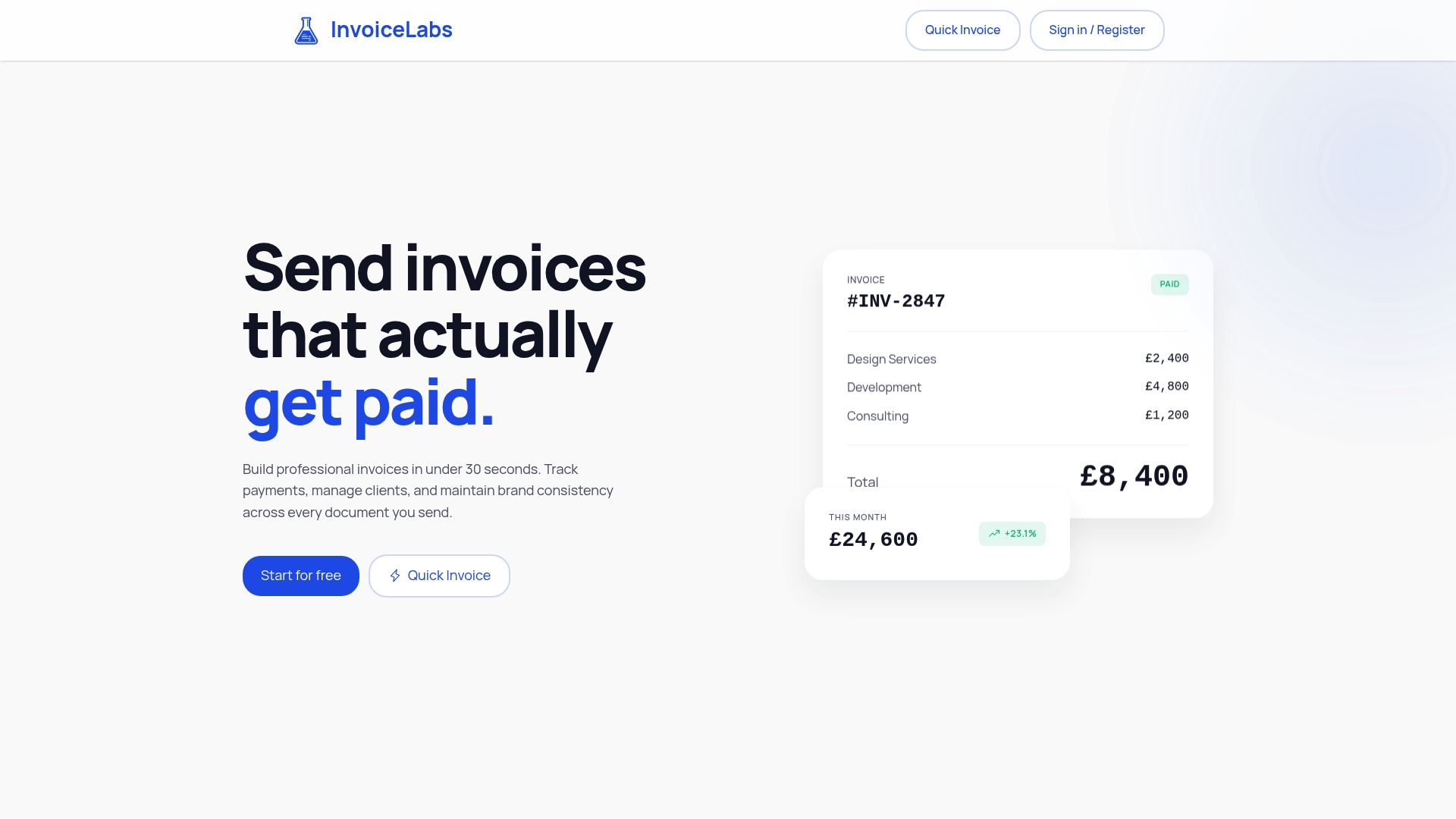
Every invoice you send from InvoiceLabs is branded to you, delivered instantly and tracked until it is paid, with no hidden fees.
Our perspective
We built InvoiceLabs around one belief: an invoice should be easy to send and easy to pay. Most freelancers and small agencies do not lose money because clients refuse to pay. They lose it because paying takes effort, and effort gets postponed.
That is why we put payment inside the invoice rather than beside it. When the amount, the tax, the branding and the payment option all come from one document, there is nothing to retype and nothing to reconcile. The client sees a professional invoice with your logo and colours, pays by card through Stripe, and you see the status without chasing.
We also think pricing should be readable at a glance: a free plan to start, three paid tiers, and a 1% fee on card payments on invoices. No hidden fees means you can work out what an invoice will cost you before you send it.
If your invoices take longer to create than the work took to do, or if you keep wondering whether a client has even opened yours, the fix is a shorter path from work done to money received. That is the path we designed.
Black Flame Digital
FAQ
Can I add a Pay Now button without a website?
Yes. A Pay Now button on an invoice does not need a website, because the client pays from the invoice you email to them. With InvoiceLabs you can create the invoice online, send it instantly and let the client pay by card through Stripe.
Does a Pay Now button really get invoices paid faster?
The Small Business Commissioner’s Fair Payment Code blog reports that pay now buttons on invoices help businesses get paid up to twice as fast. The gain comes from removing steps: the client no longer has to find bank details or type a reference. Clear terms and prompt invoicing add to the effect.
What does it cost to accept card payments on an invoice?
InvoiceLabs charges 1% on card payments on invoices, and the plans cost £0, £9, £19 or £49 per month. Processing costs vary widely across the industry, so look at the whole cost of collecting a payment, not only the headline percentage.
Is it safe for clients to pay by card from an invoice?
Card payments on InvoiceLabs invoices are processed through Stripe, so card details go to the payment provider rather than through your email or PDF. Your client may also be asked to confirm the payment in their banking app, which is part of UK strong customer authentication rules.
Can I use a Pay Now button for clients abroad?
Yes. InvoiceLabs supports multiple currencies, so you can invoice an overseas client in the currency you agreed. Check the currency on the invoice before you send it.
Sources
- The cultural shift to eliminate unapproved debt, Small Business Commissioner
- How to take payments and manage orders for your online store, FSB
- Payment gateways UK: which one and what it costs, MerchantHQ
- UK Finance Industry Guidance on Strong Customer Authentication
Recommended
Send your next invoice in seconds
Create professional invoices, track payments and get paid faster — free to start.


